


Rehearse as a team, and track each person’s performance
Several people enter the same scenario at once, each in an assigned role. The built-in LMS tracks each participant’s objectives.
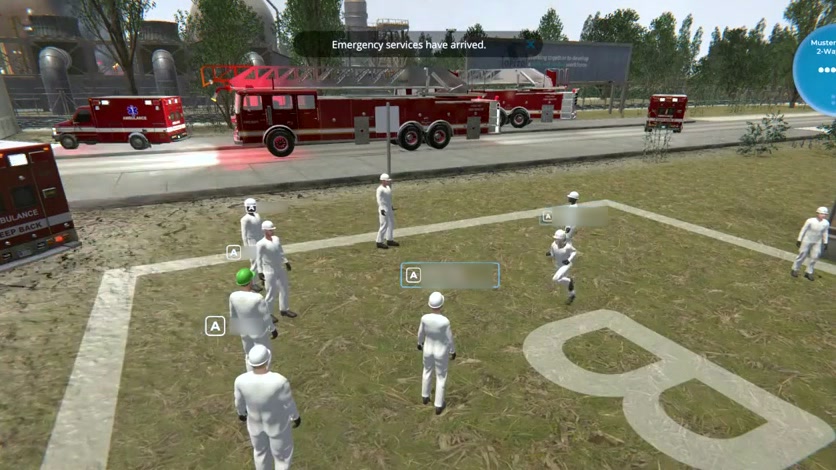
How a team exercise runs
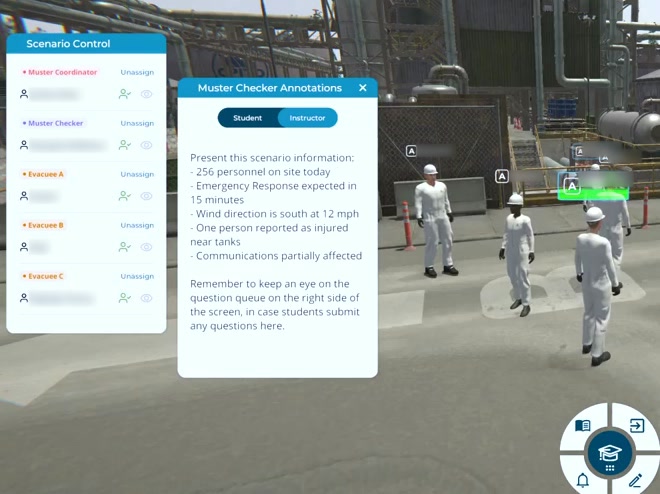
Roles are assigned in real time, and can change as the scenario develops.
AI avatars can act as coaches or fill a role.
See how roles work in scenario practice
In the OPITO scenario, weather, fire, smoke and alarms change during the run.
Scenarios run with branching paths, and each person makes their own decisions as the situation changes.
Read how the OPITO run unfolds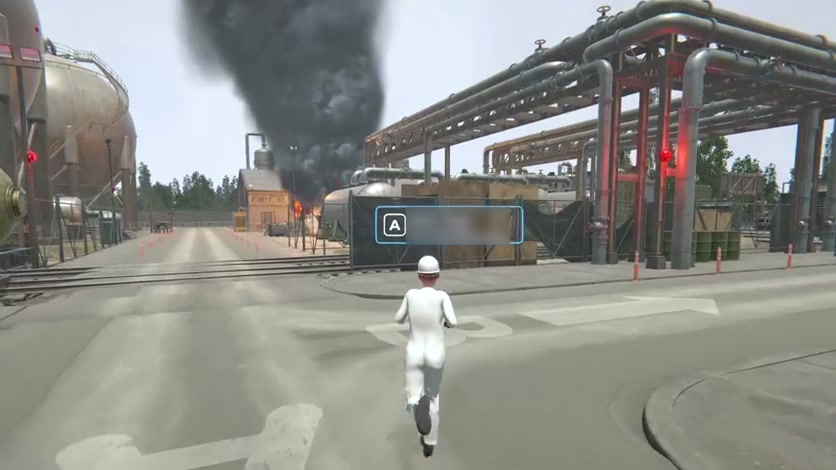
Each role has objectives of its own.
The LMS tracks each person’s progress against them as the run goes on.
See what a learner record holds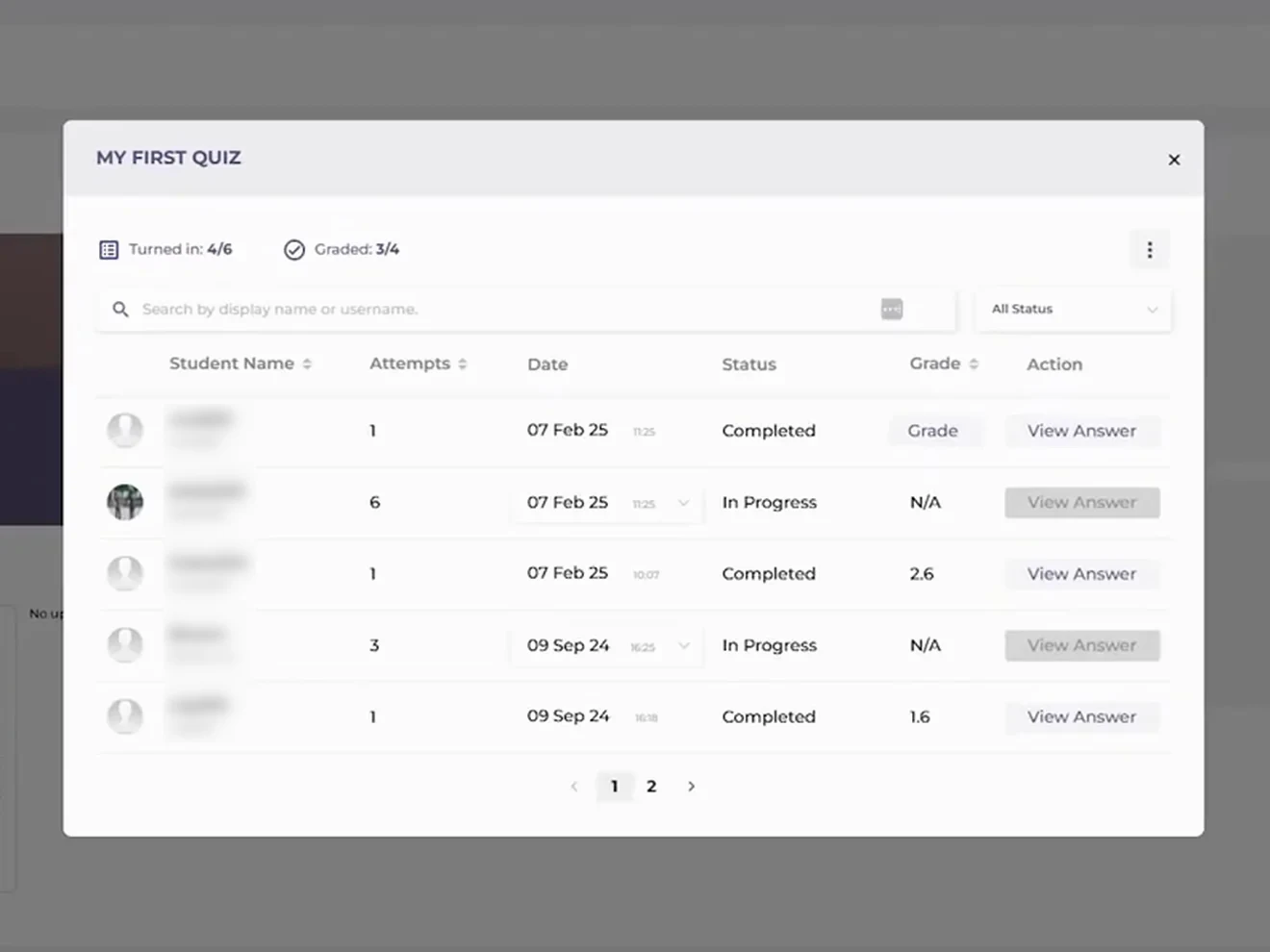
Each person’s progress and completion are ready for the debrief.
The instructor reviews the run with the team and decides what the results mean.
See how a session closesThe five roles assigned in Scenario Control.
Case study · OPITO
A hydrogen plant fire, rehearsed with OPITO
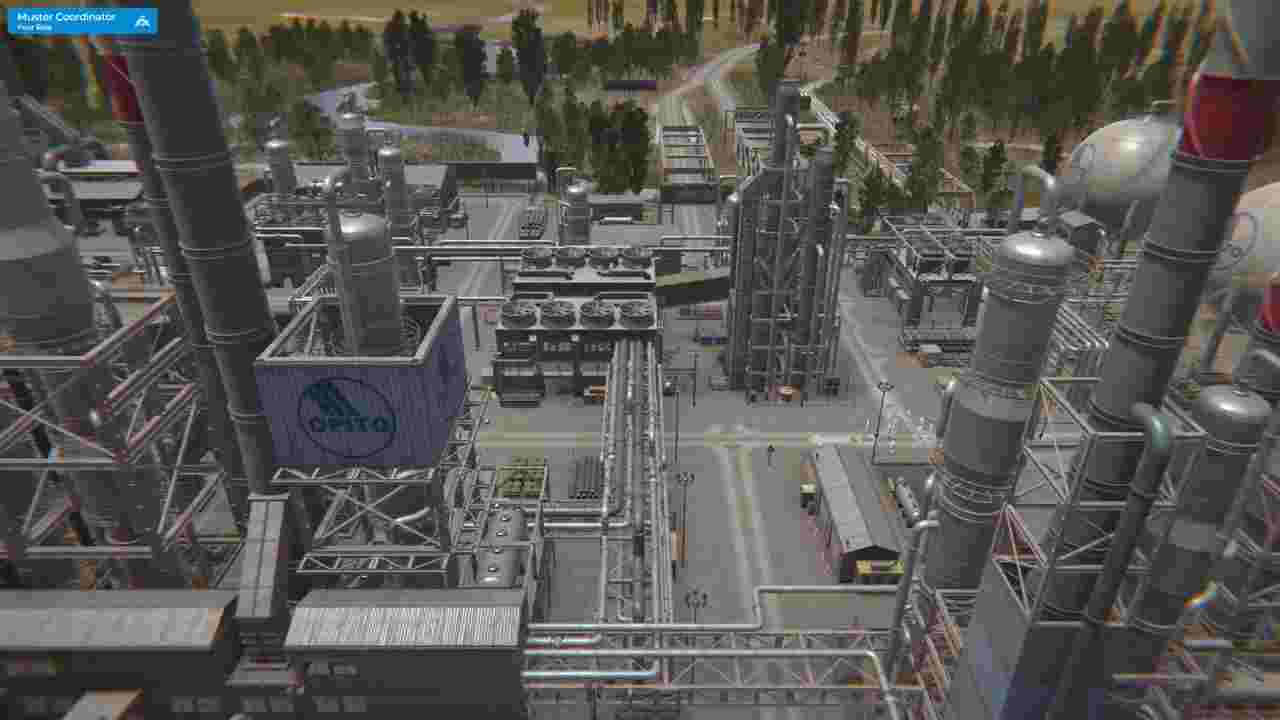
Lightning strikes a simulated hydrogen plant, fire breaks out and the alarms go off. Participants acting as on-site workers respond, follow the safety procedure and make their way to the muster point.
- Built for
- The OPITO Global Conference
- Ran in
- The Sinewave Campus LMS, on a custom syllabus
- Control
- Instructor-led throughout
How the OPITO run was set up
Two roles led the evacuation
The Muster Coordinator and the Muster Checker coordinated the evacuation, talked to the control room and made judgment calls under pressure.
One role was scored
The Muster Checker was scored, and the others took part as evacuees.
A quiz and feedback closed it
The session ended with a quiz and a feedback step.
Designed for any team that needs to practise under pressure
Traditional e-learning doesn’t replicate how teams actually work.
Where teams use it
Emergency response
Simulate evacuations, fire incidents, or site-wide crises
Operations
Practise shift coordination, startup and shutdown, or fault response
Customer service
Handle difficult calls, escalations, and real-time decision-making
Healthcare
Drill coordination, code protocols, or team handovers
Sinewave Campus lets you recreate a critical incident in full 3D, with nobody in danger and no plant taken offline, and run it again whenever you need to.
High-stakes training rarely allows for real-world rehearsal.
Bring your own procedure and the roles in it.
We’ll build a scenario around them.
Read next
Case study · OPITO
The OPITO scenario
The hydrogen plant fire and muster, built with OPITO for its Global Conference.
Read the OPITO case study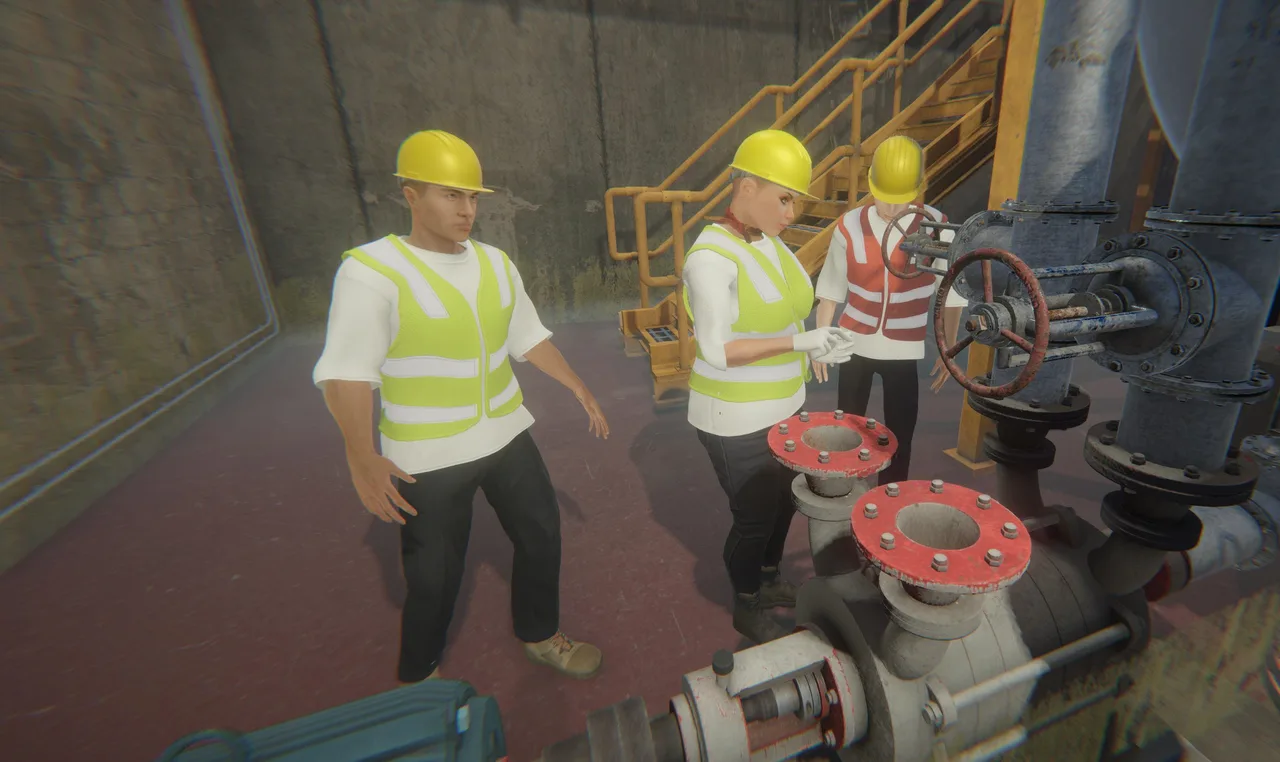
Answers
Questions we get asked
Including how it compares with live drills and single-purpose VR.
Read the answers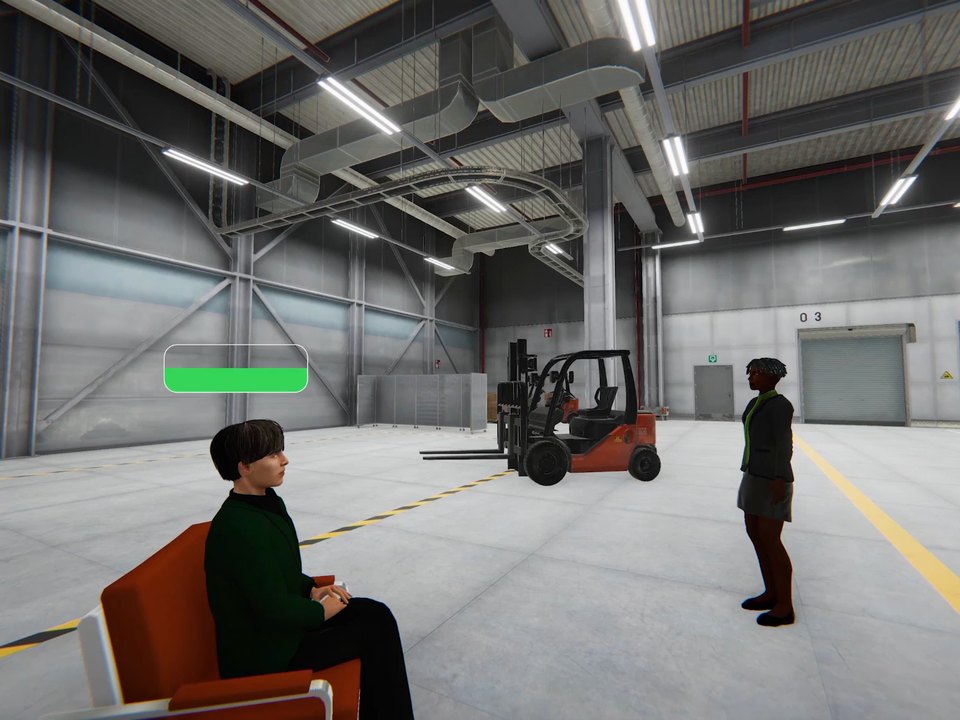
Platform
Scene-aware agents
AI agents fill an empty seat, play the customer and watch the run, so your trainers can coach.
Explore scene-aware agents