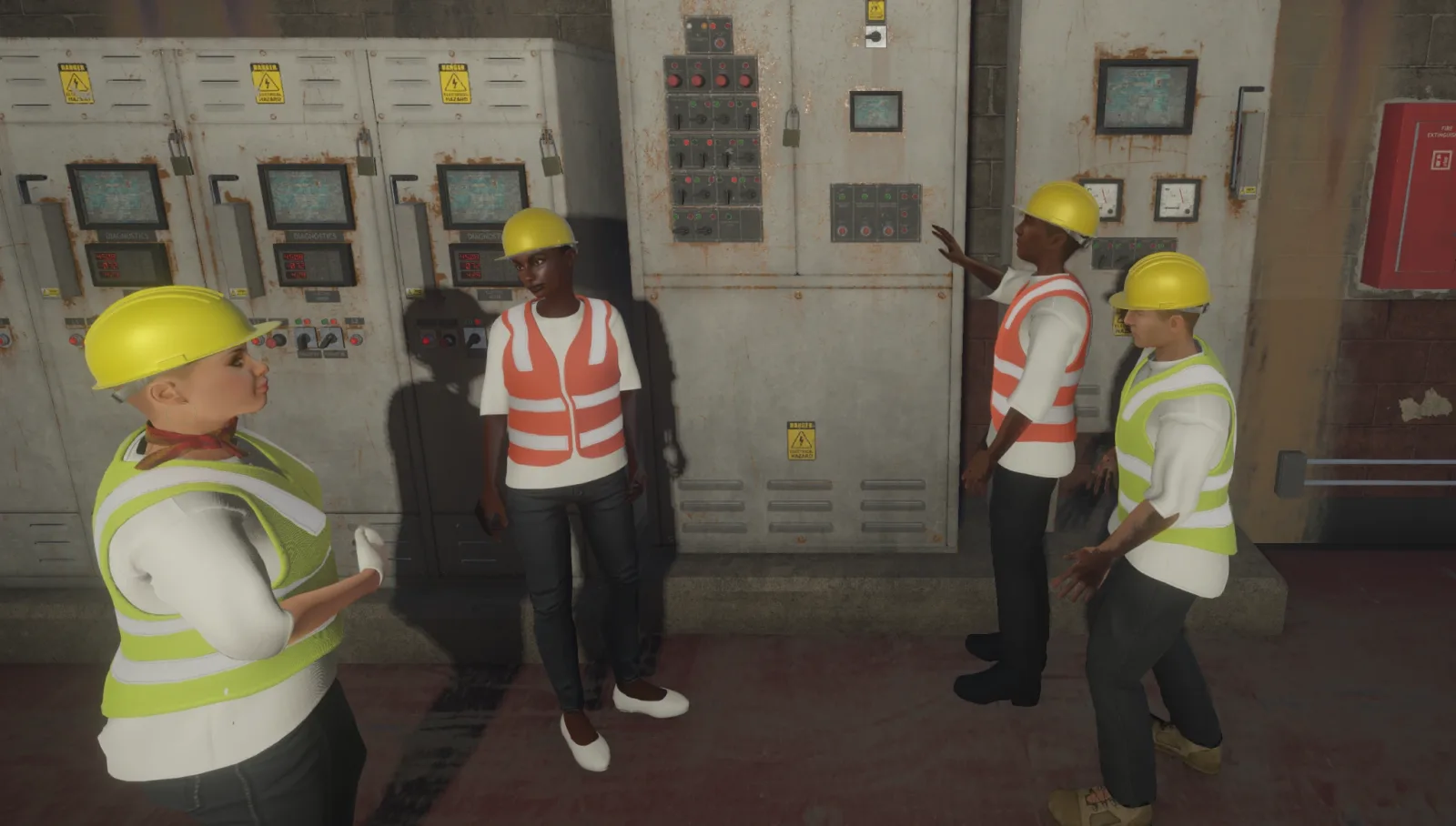
Rehearse one procedure together, each in an assigned role
An instructor runs the session, and each learner’s progress is tracked.
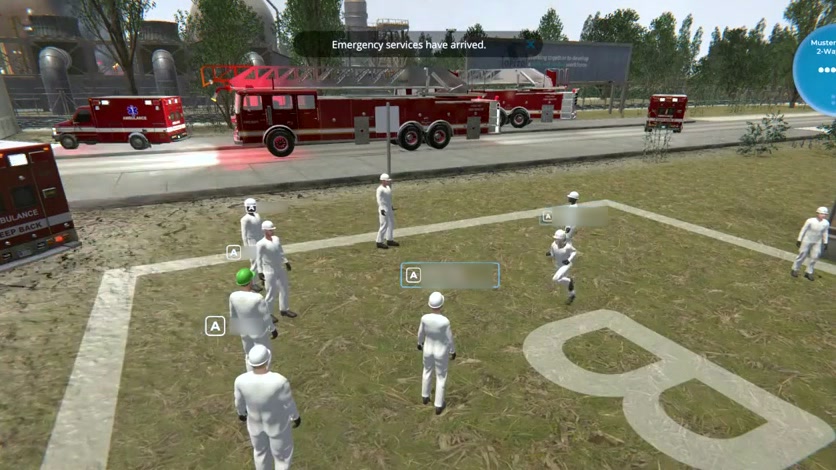
The OPITO evacuation, from role assignment to the final quiz
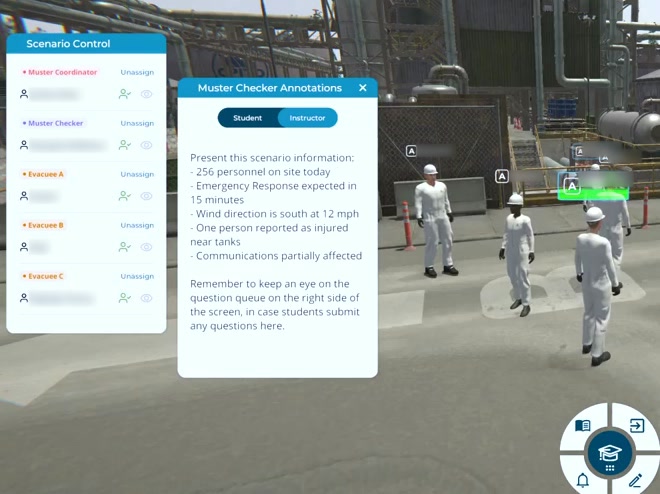
The Muster Coordinator and the Muster Checker lead the site evacuation.
Each role is set from the Scenario Control panel, in real time. Everyone else acts as an evacuee or an observer.
Read the OPITO case study
Lightning strikes, and a fire breaks out.
Weather, fire, smoke, and alarms change, with emergency lighting, announcements, and falling visibility.
See oil and gas emergency response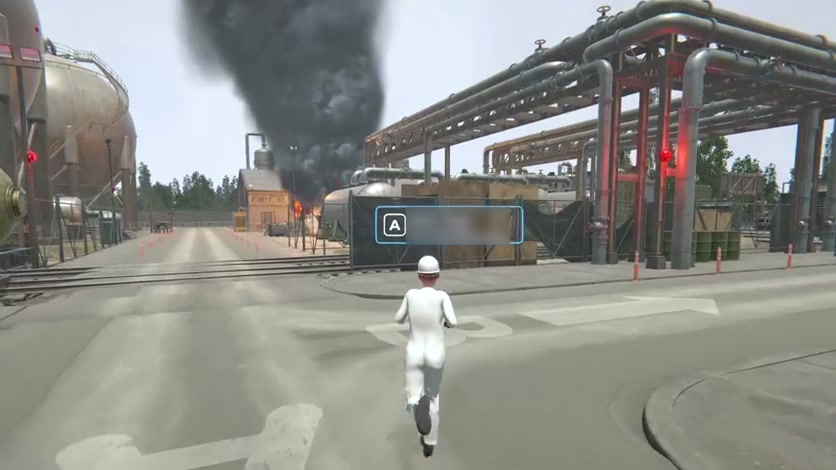
Participants take the part of on-site workers and make their way to the muster point.
Each person makes their own decisions and talks to the others in the scene.
How the OPITO run went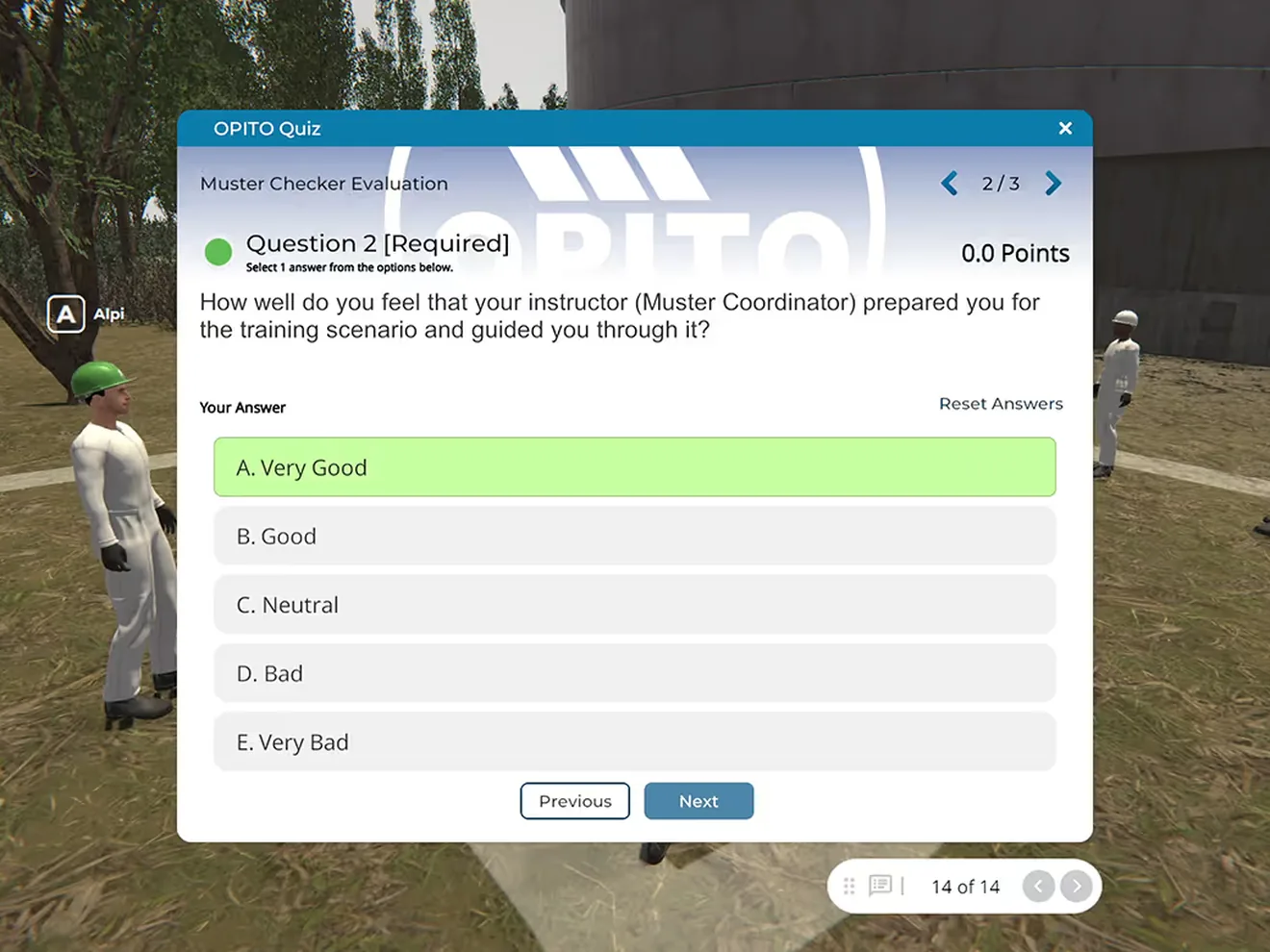
In the OPITO run, the Muster Checker was scored.
Each learner’s progress and completion are tracked in the built-in learning management system (LMS).
See learner recordsRoles assigned in Scenario Control, beside the scenario notes.
Built with OPITO for its Global Conference
OPITO is the organisation behind global training standards for the energy industry. It wanted a realistic virtual simulation for emergency response training, with live participants in assigned roles.
Read the OPITO case study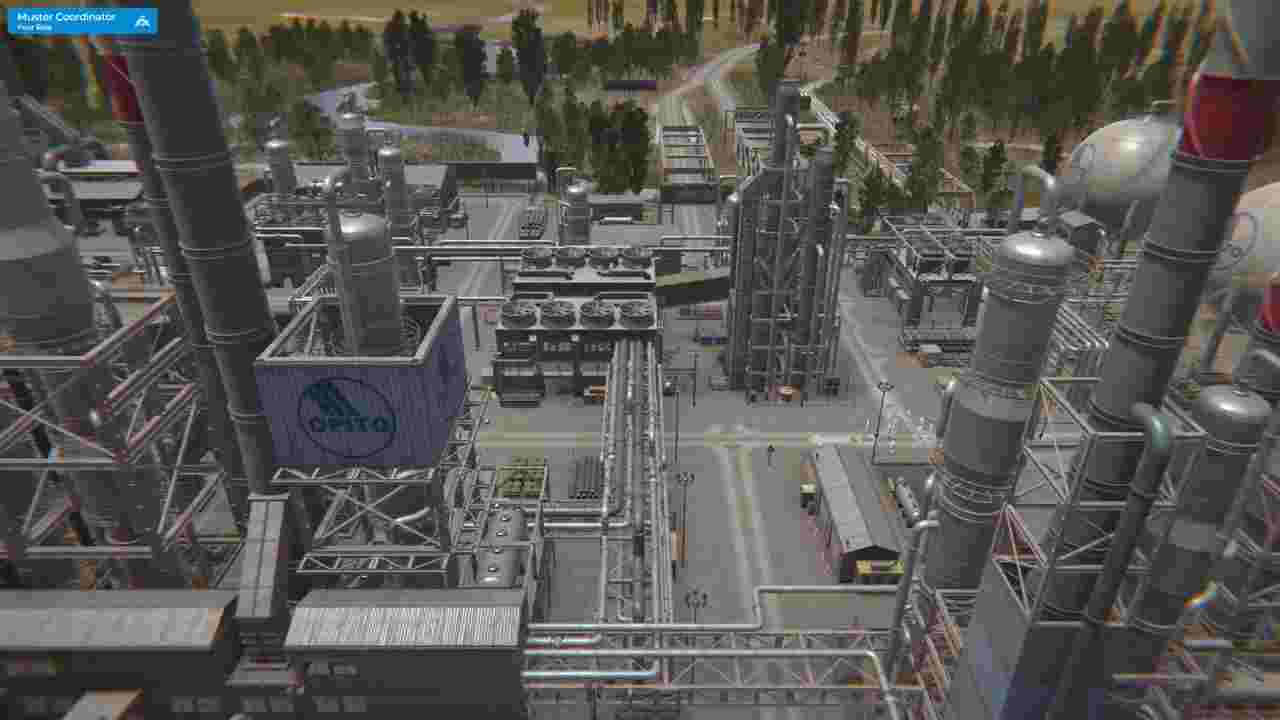

The team talks in the scene, and the instructor controls who is heard
Voice, text chat, webcam and screen sharing work inside the world, with no third-party software to install.
Talk in the scene.
Learners talk in voice zones, whisper to someone nearby, or type in chat, and follow up afterwards by direct message or in-world mail.
Communicating with other usersA voice zone for each group.
Add breakout areas and voice-isolated booths, each with its own chat, camera and voice settings, for team exercises or role-play.
Creating voice zonesQuiet when the exercise needs it.
Mute everyone but the instructor, keep text chat to trainers, or switch off direct messages and email during a focused exercise.
Brief and debrief from the front.
From the presenter seats, combine slides, webcam, pre-recorded video and screen sharing. The presenter controls who speaks, and learners can raise a hand.
Step in during a run.
Mute one person or a whole zone, move people to another region, or send a message that reaches everyone, wherever they are.
Moderator tools
Admins choose which tools are on, per world or per region. Learners join from a desktop, a browser, a Quest or Pico headset, or a phone’s browser with no app to install, and type in their own keyboard layout and character set.
See how people join