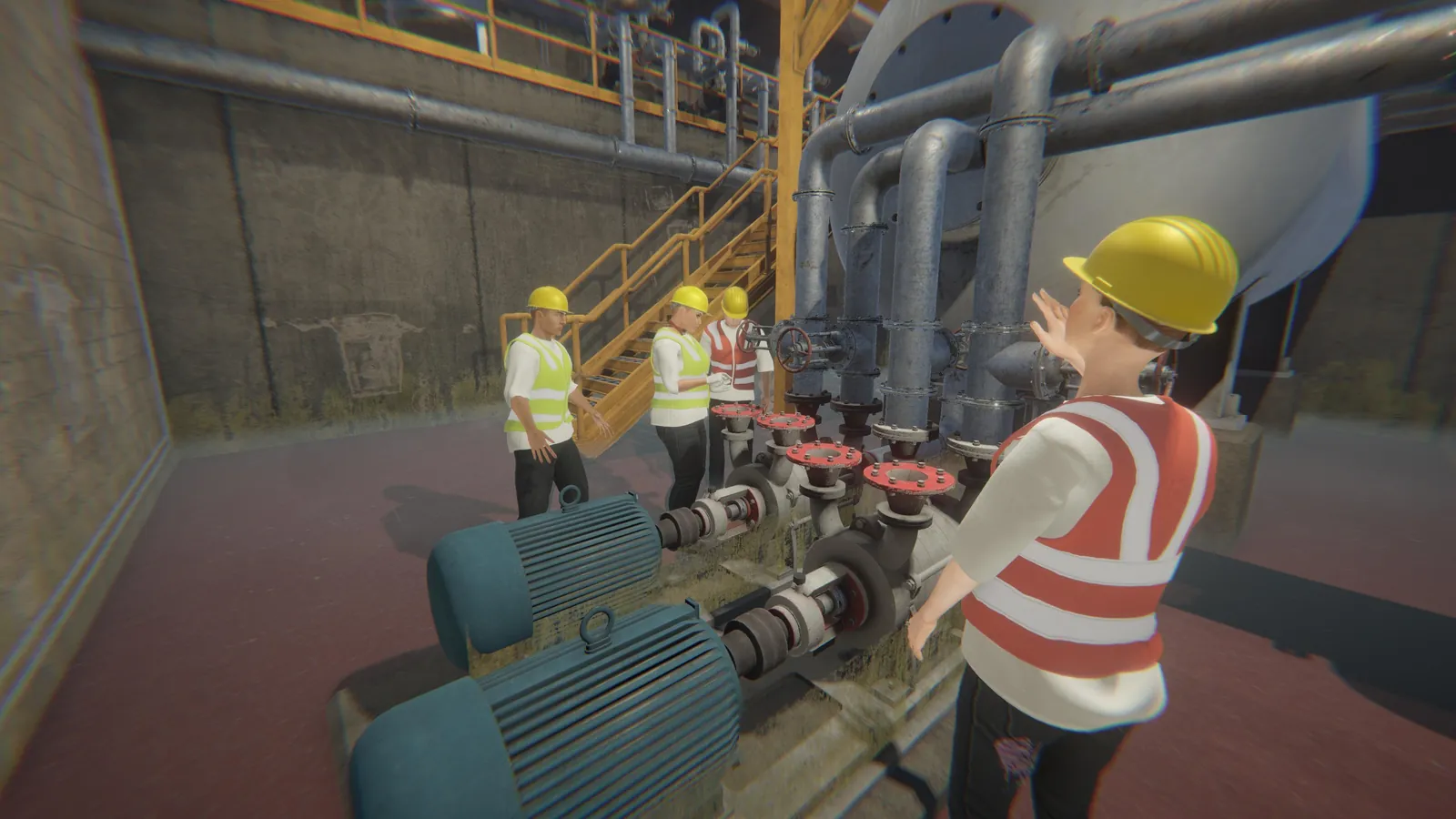
Learners take part as who they are, dressed and equipped for the session
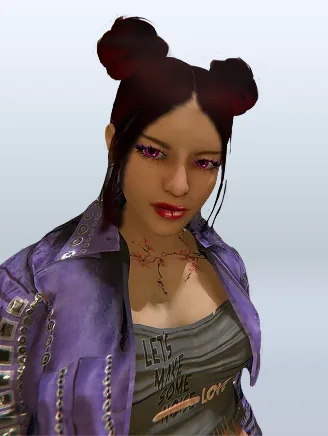
Each person can shape an avatar that looks like them, or like who they are comfortable being, pick a preset, or skip it and start with the default. How much they choose depends on the scenario. Any avatar can then wear what the session needs: PPE for an exercise, or clothes for a class or a conference.
Kit every avatar out for the session
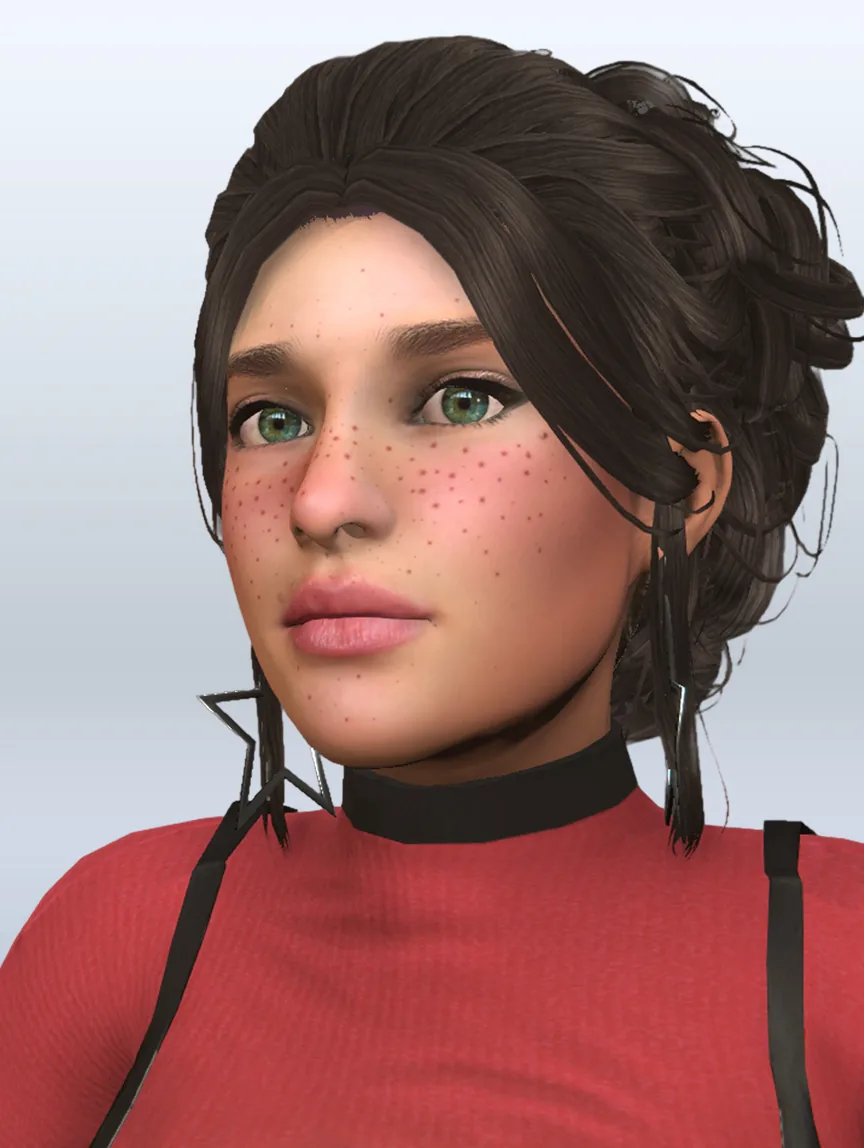
Mix and match outfits, hairstyles and accessories, so the same person is ready for a boardroom presentation, a safety drill or a themed event.
A scenario can name the PPE a learner must put on before moving on. It can block a wrong choice, or allow it and score it.
Set your own default avatar and outfit, and every new user arrives in that starter look. No developer work is needed.
Choosing a starter avatar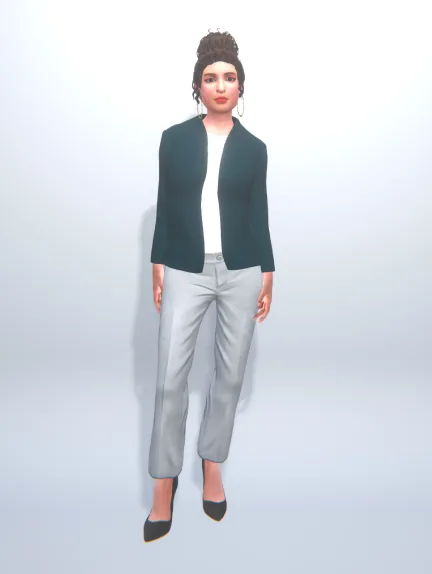
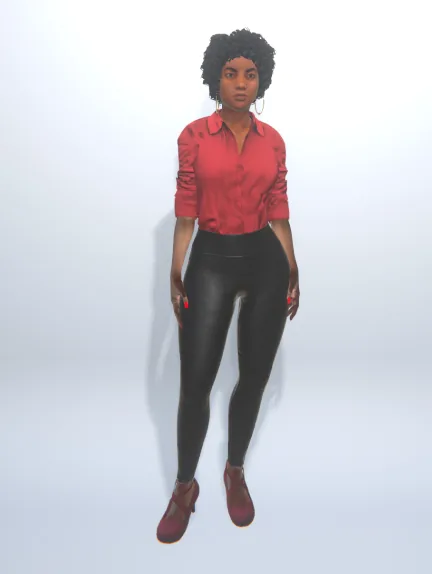
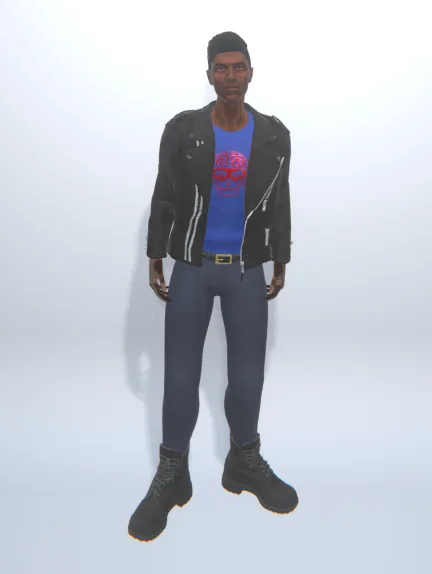
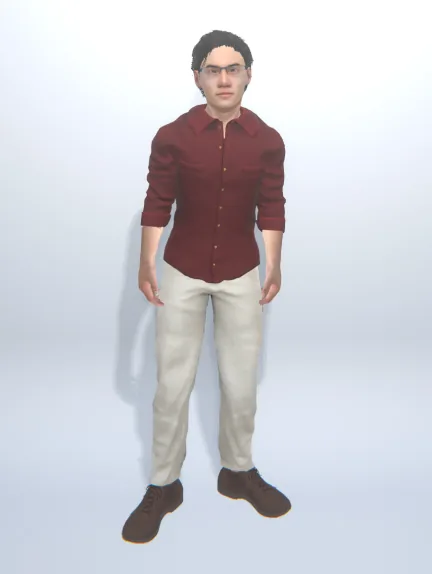
Each learner can set their own face, body, skin tone and clothes
On a video call, people are faces in tiles. In Sinewave Campus they share one space, each as their own avatar.
Start from a preset or a blank slate
Then adjust face, body proportions, height and skin tone, and see each change as you make it.
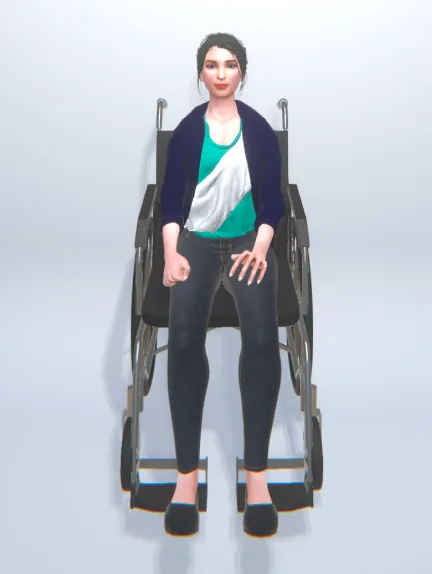
Editing avatars in the Outfit windowProsthetics, wheelchairs and assistive devices
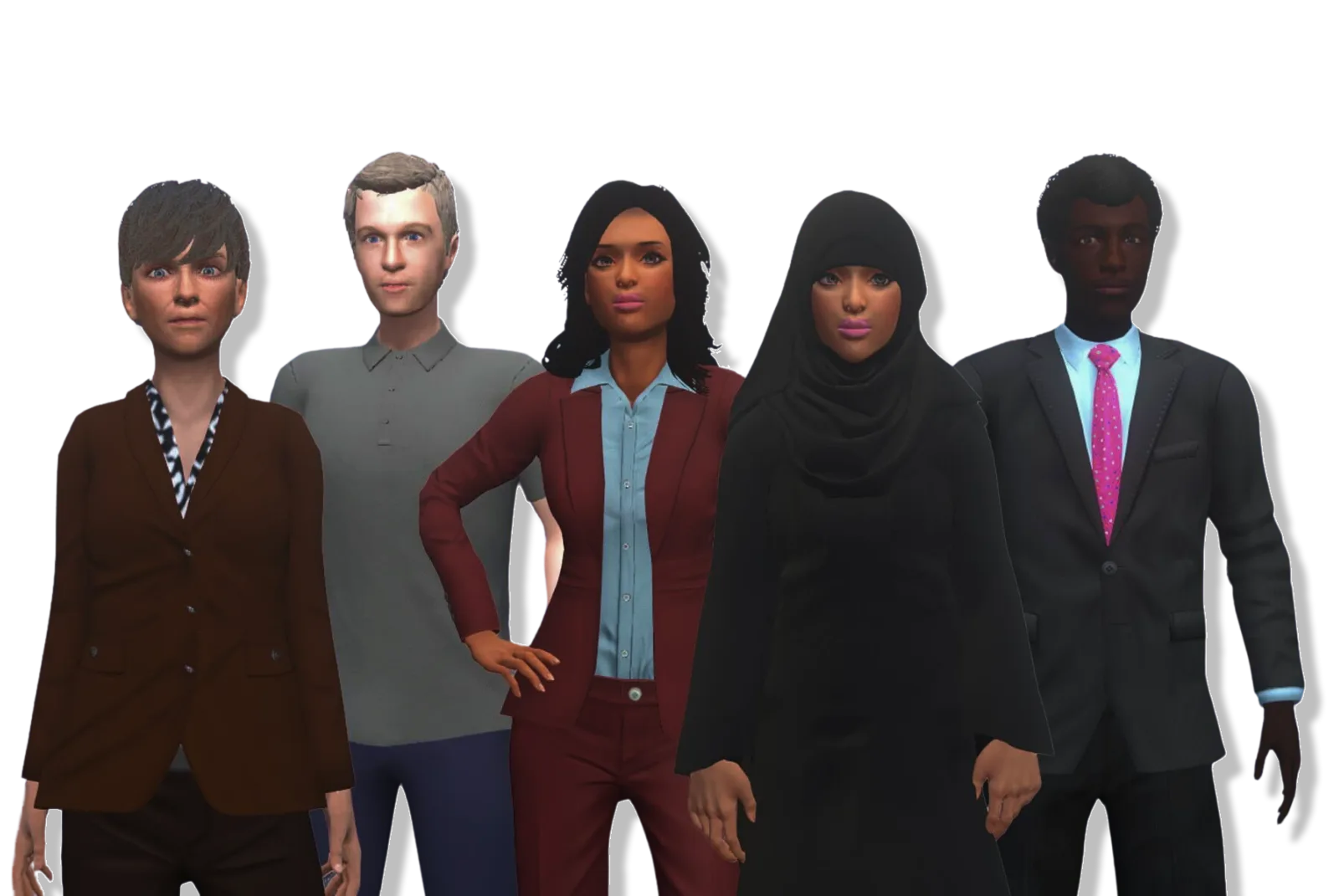
Add them to any avatar, in realistic or stylised designs.
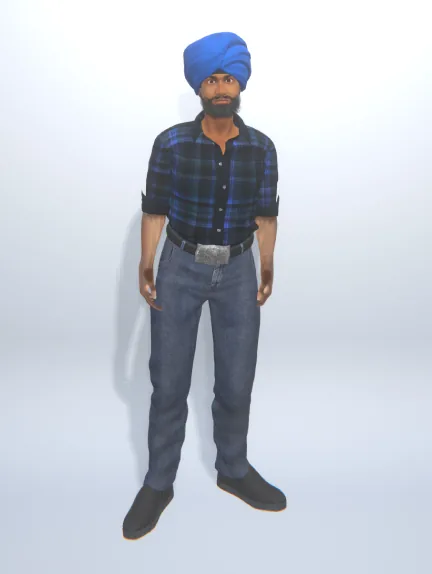
Religious attire
Choose from a wide range of religious attire and adornments.
Makeup, tattoos and skins
Layer makeup, place a tattoo anywhere on the body, or upload your own skin texture.
A library of your own avatars
Save a different avatar for each kind of occasion.
Import your own garments, PPE, models and animations
Avatars are edited in the world, and extended through the SDK.
Custom skins apply to default avatars, not to full-body replacements.
Your own garments and PPE
Import garments, hats, glasses, jewellery, PPE and hair, with cloth physics for drape and movement.
Uploading your own virtual clothingFull-body replacements
Swap in any 3D model, humanoid or not, such as a branded mascot, an industry-specific character or a droid.
Extending and integratingAnimations for your scenario
Upload your own clips, such as idle poses and gestures, or tie animations to training triggers.