



Extend Sinewave Campus in Unity and Lua, and connect it to your systems
Build your world in Unity with over 300 ready-made components from the SDK, and script it in Lua. Single sign-on, Eventbrite and a REST registration API connect it to the systems you already use.
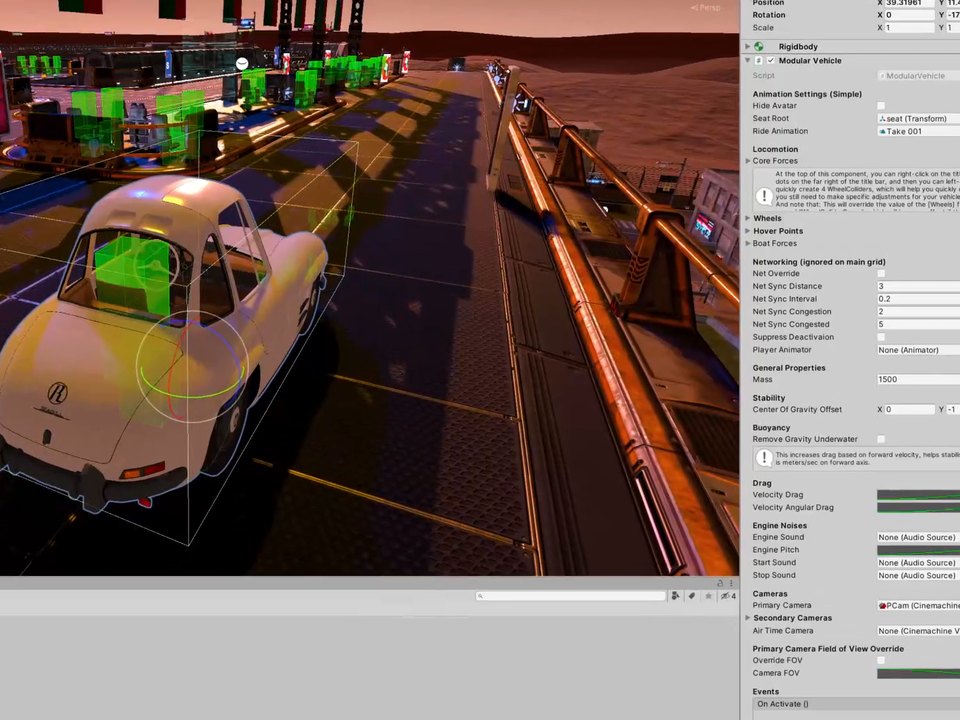

What you can build with the SDK
Publish what you build into your Sinewave Campus world.
- Training and onboardingDesign training workflows, onboarding flows and simulations
- Behaviour in LuaTrigger achievements, states or animations from a script
- The LMS and other systemsLink interface components or proximity events to the LMS, bots or third-party systems
- Your own interfaceReplace or extend the default interface
Over 300 components, ready to configure
Drag them into a scene and set them up visually in Unity.
Components
Avatars
Layered clothing, gestures, skins and animations
Vehicles
Land, air, water or hover, with physics and controls
Clickables and proximity triggers
Teleport learners, open webpages or launch quests
Interface
In-world menus, HUDs and prompts
Logic
Timers, quest progress, states and achievements
Lua scripts add logic, progression and state, and call the built-in client and server APIs to manage avatars, inventory, triggers, LMS logic, region state and chat.
Content you publish works in the desktop app and the browser automatically.
Connect it to the systems you already run
People come in through your own sign-in, ticketing or account systems, and their records go back out.
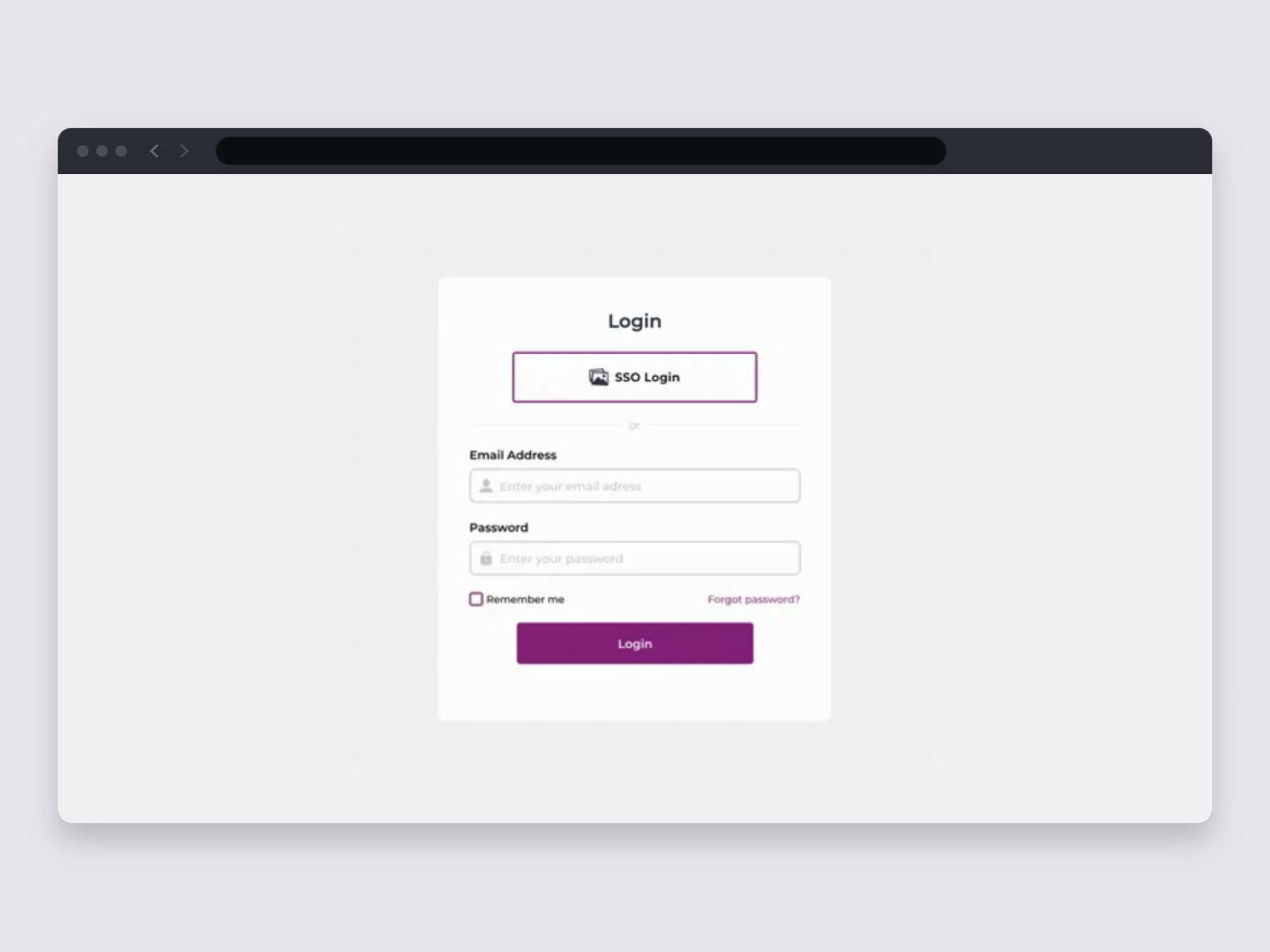
SAML single sign-on
Learners log in with the credentials they already have, and group rules assign access to regions or sessions.
Read the SSO configuration guideEventbrite
Every ticket buyer gets an account automatically, and only verified attendees can enter your region.
Read the Eventbrite setup guideRegistration API
Create accounts, generate one-time logins and assign users to regions or roles over a secure REST API.
Read the registration API guide
Install the SDK and find the API references
The SDK runs in Unity 2020.3 LTS, on Windows 10 or 11 or macOS 12 or later, with at least 8 GB of RAM.
Install the SDK
Set up Unity and the SDK, then publish what you build into your world.
Read the SDK installation guide