



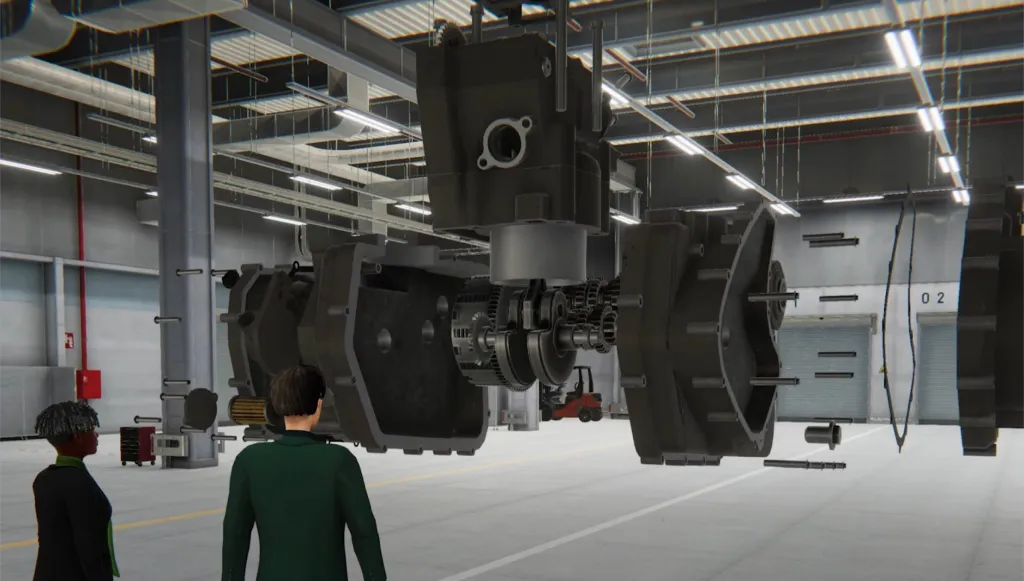
Training
Add a station for the next exercise, or seats for people who join late, without stopping the session.
Breakroom is now Sinewave Campus. Book a meeting
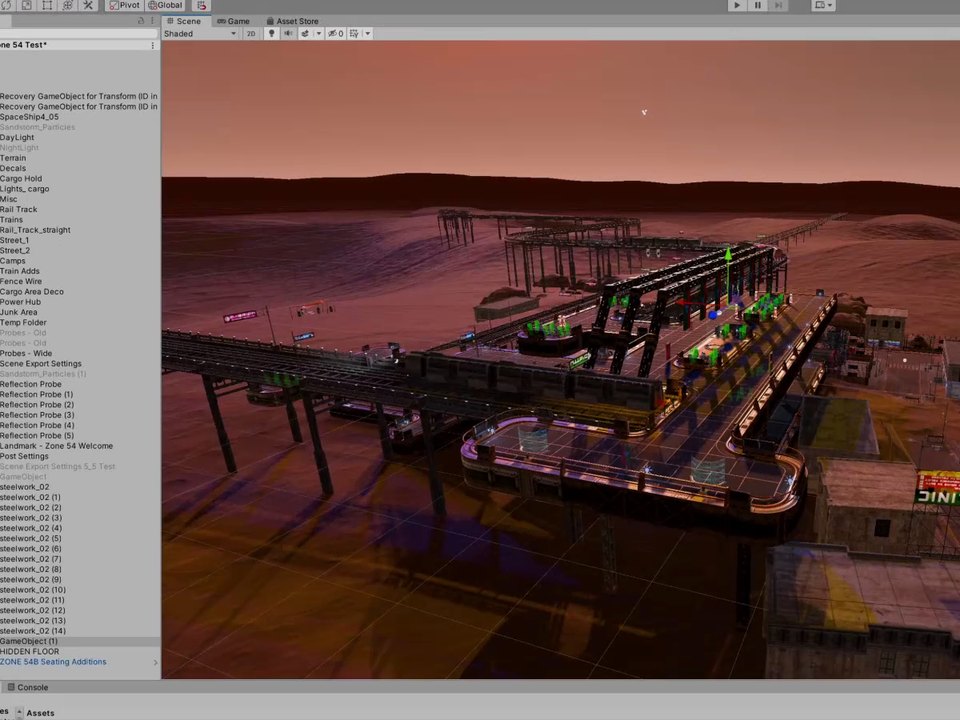
Edit a live region from the desktop app or the browser, with no restart. When you need custom behaviour, use the Sinewave Campus SDK in Unity.
No Unity or external tools needed.
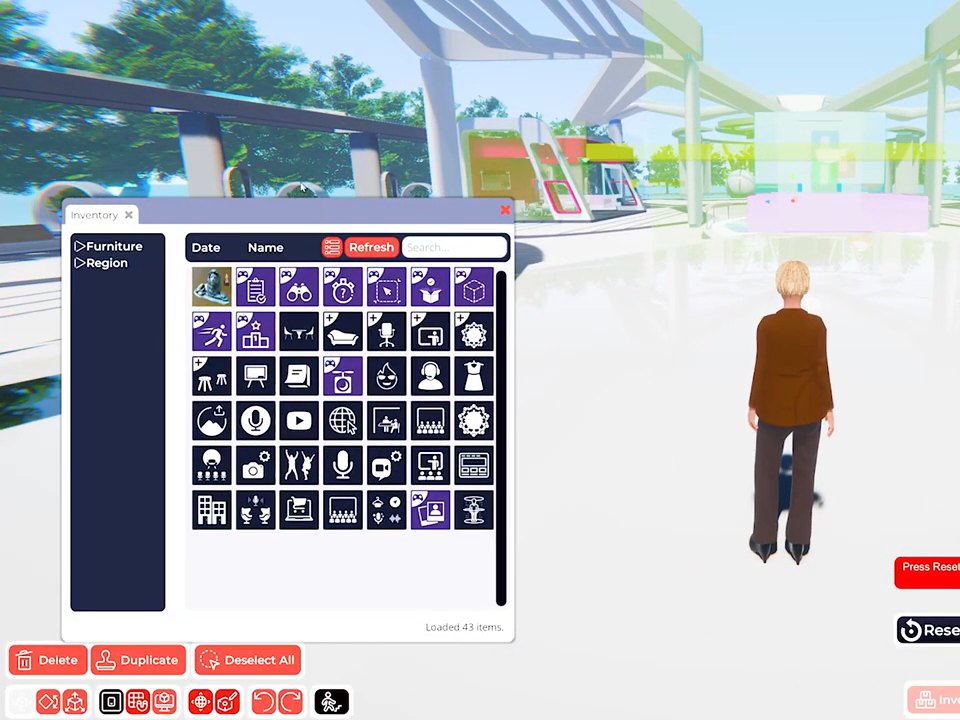
If you have edit permission for the region, open the Region Editor from the desktop app or the browser and change the region while the session carries on: add seats when more people join, place the equipment the next exercise needs, put up media screens for live or recorded video, set up voice zones, and adjust the sky, terrain and lighting. Furniture, kiosks, vehicles and more come ready-made from the Sinewave Shop’s catalogue of thousands of assets. For bigger builds, a scene hierarchy groups objects and an inspector edits each one’s properties.
Read the Region Editor guide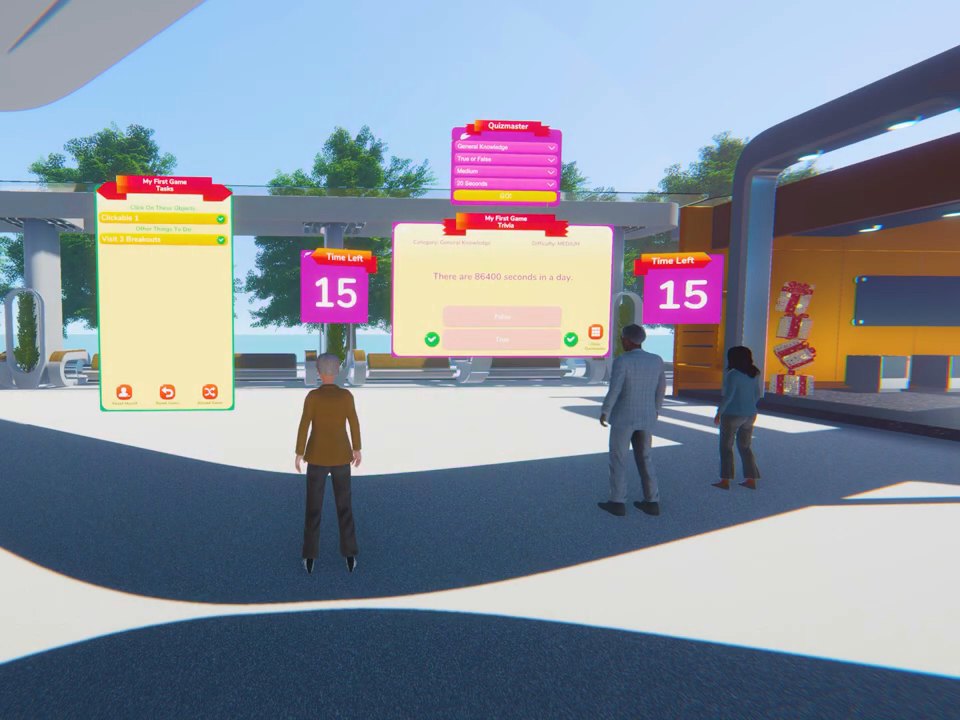
Points, a taskboard and a leaderboard track progress.
Place findable, clickable and trivia objects in the region, add pop-ups, set each task’s completion and points, and link objects to training modules and quizzes in the built-in learning management system (LMS).
See what is in the toolkit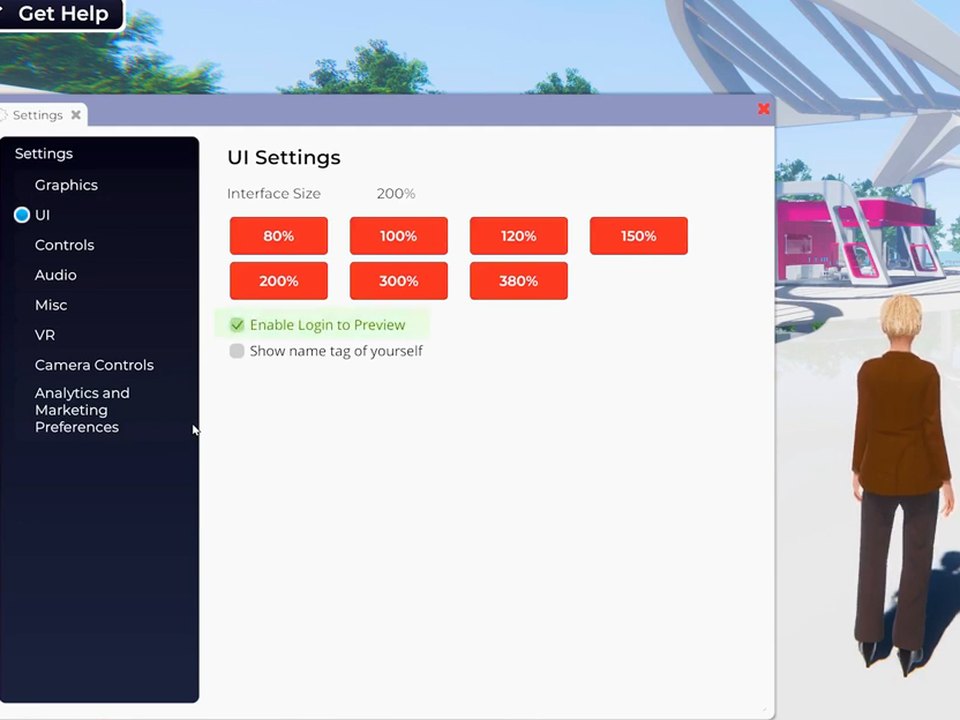
Hide the interface features a session does not need, from the Dashboard.
Adjust the UI scale and colour palette for larger text or high contrast, and let each person set their own UI scale.
Watch the Dashboard tutorials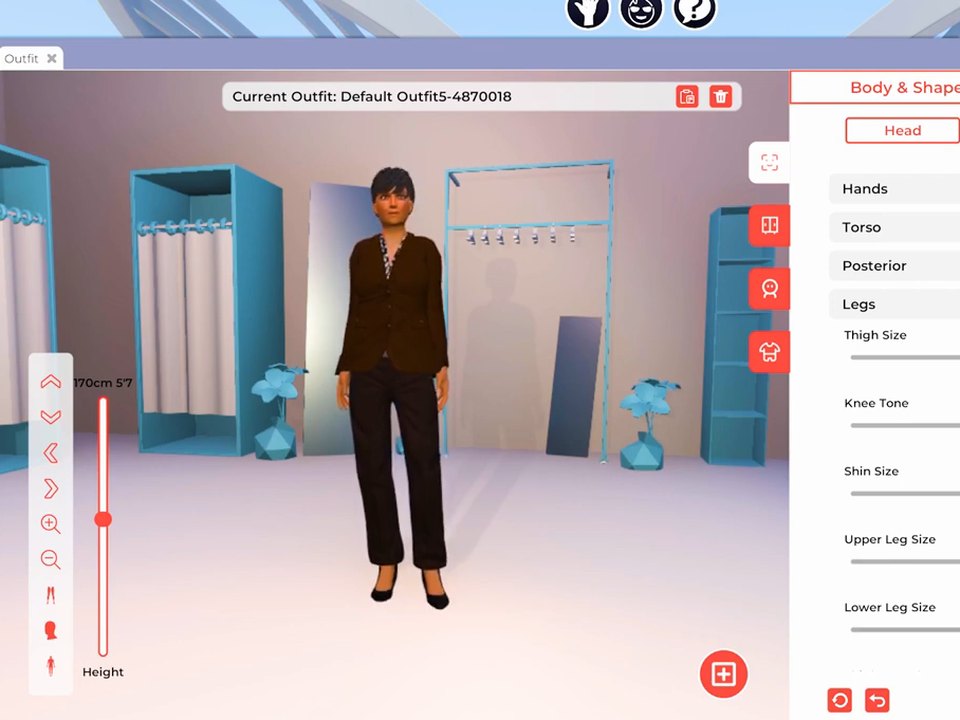
New users log in with the branded starter look you choose.
Choosing branded default avatars and outfits requires no developer work. Each person can then adjust face, body, and skin tone, mix clothing and accessories, and add mobility aids such as wheelchairs and prosthetics.
Watch the avatar customisation tutorial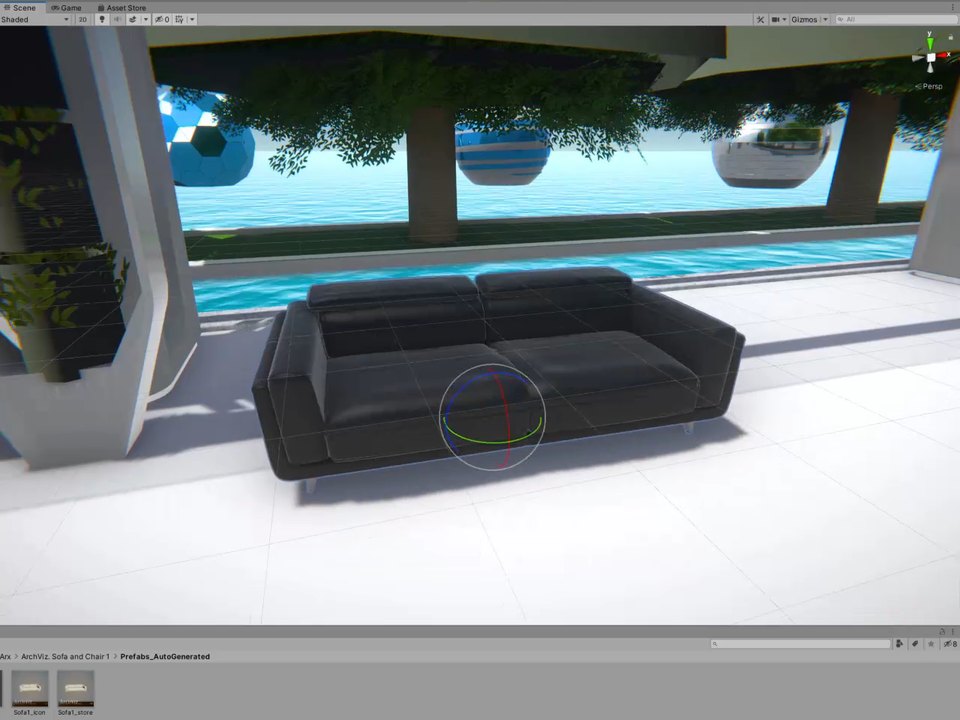
Script behaviour in Lua, import your own models and full-body avatars, and replace the default interface entirely. Then publish into your Sinewave Campus world.
Read about the SDK and LuaThe Region Editor inventory, open over the region.
Add a station for the next exercise, or seats for people who join late, without stopping the session.
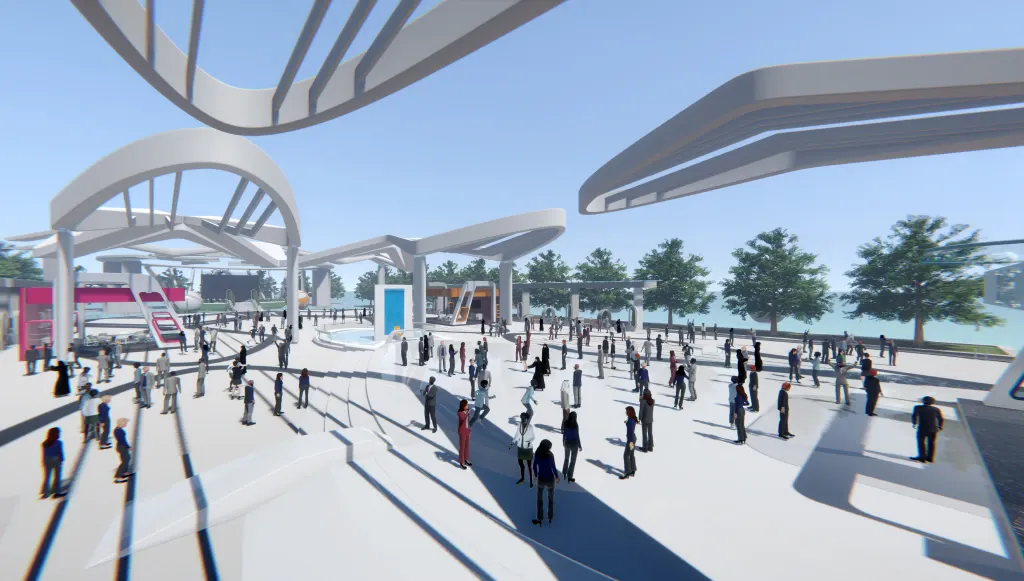
Add booths and signs to a venue while it is open, with no new deployment.
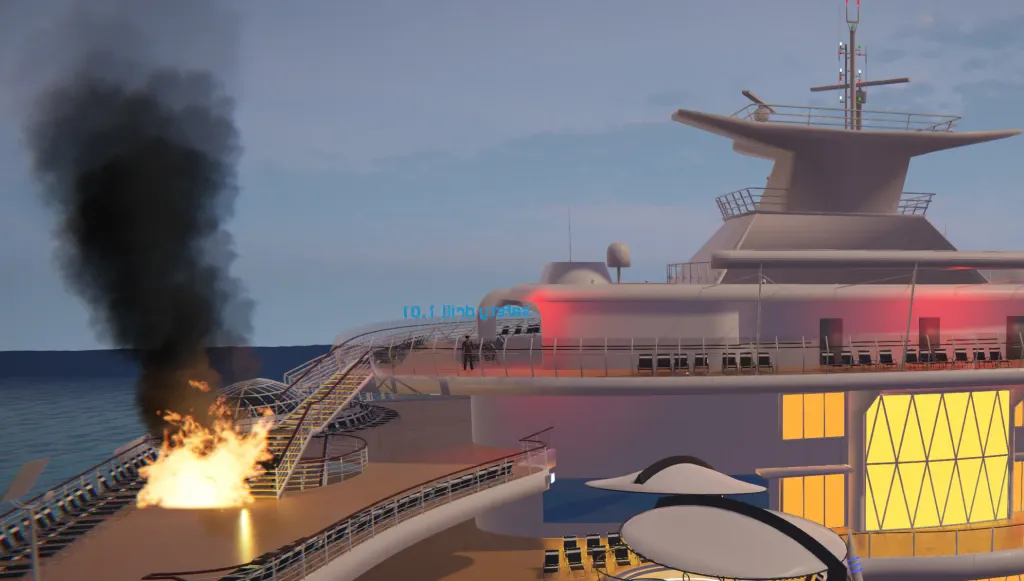
Change the layout, or block a route, between runs of a drill.
Bring your own procedure and site.
Build the scenario yourself, or have us build it around them.
Tell us the scenario you need to rehearse.
Fields marked * are required.