


Run conferences and a virtual office in one world
Combine slides, webcam, pre-recorded video and screen sharing in one session, and give each room its own voice settings.
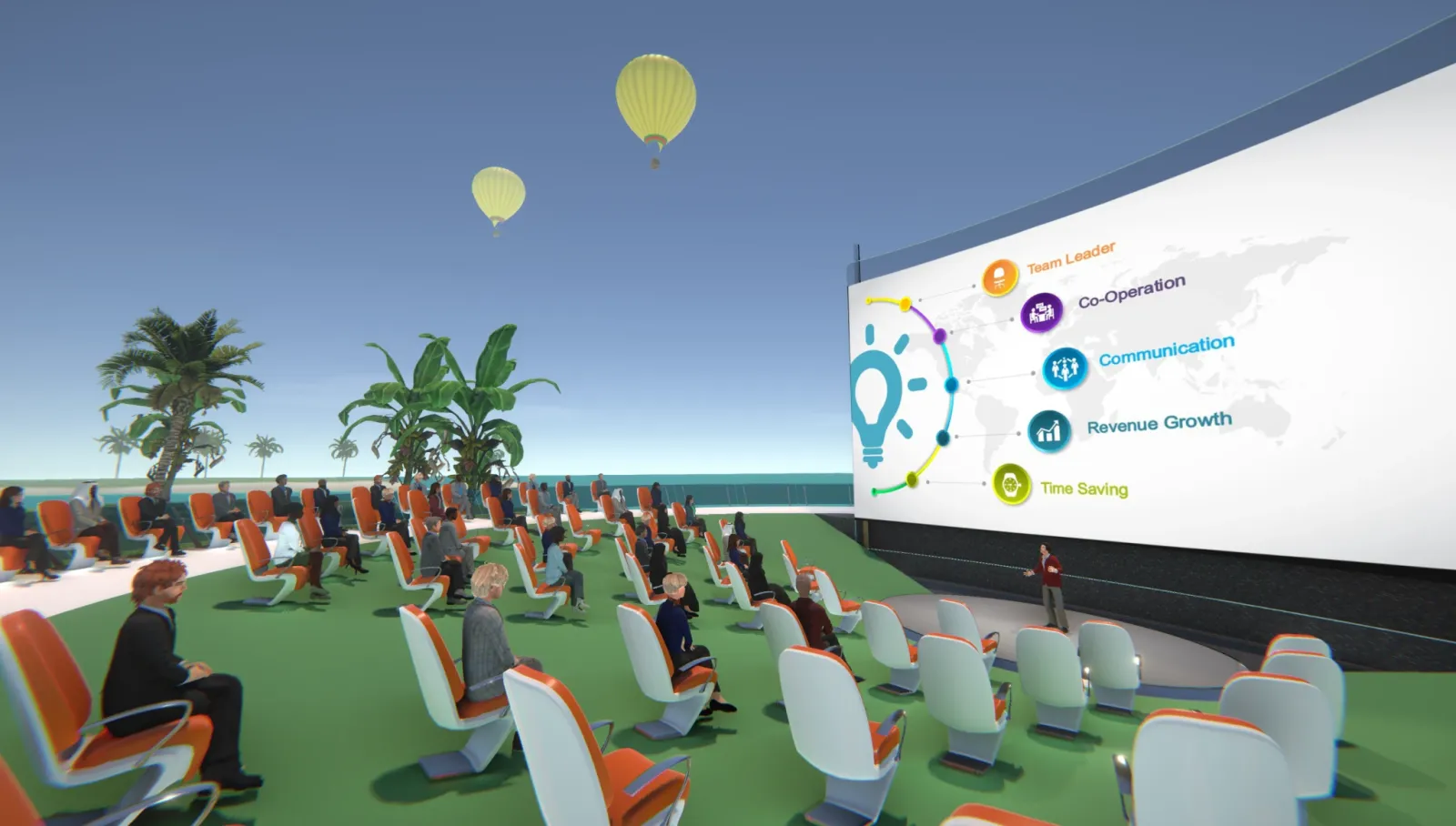
One world for the event and the office
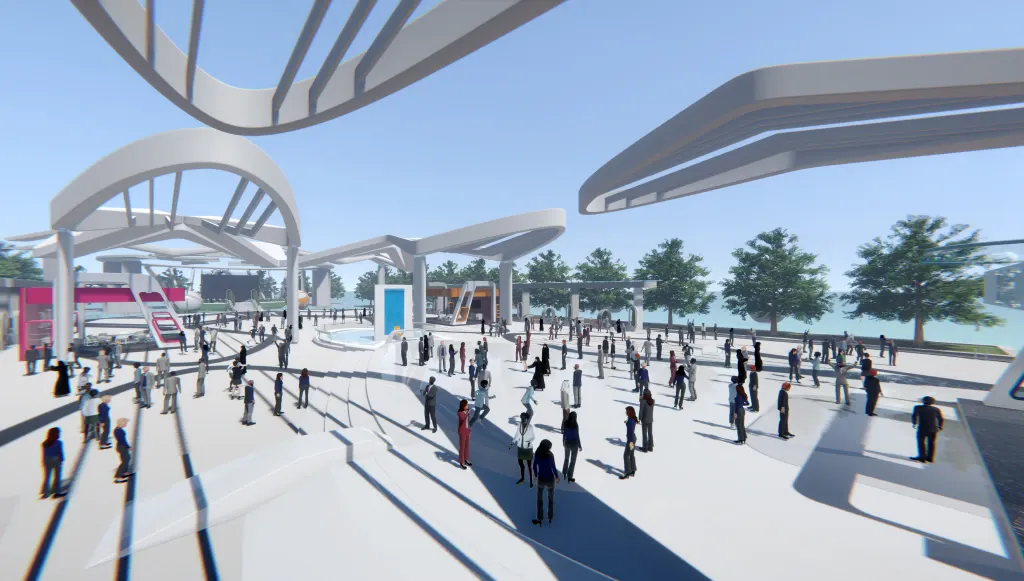
Each Eventbrite ticket purchase becomes an in-world login.
There is no manual account creation, and last-minute sales appear instantly. Employees sign in with their existing credentials through single sign-on.
See the Eventbrite integration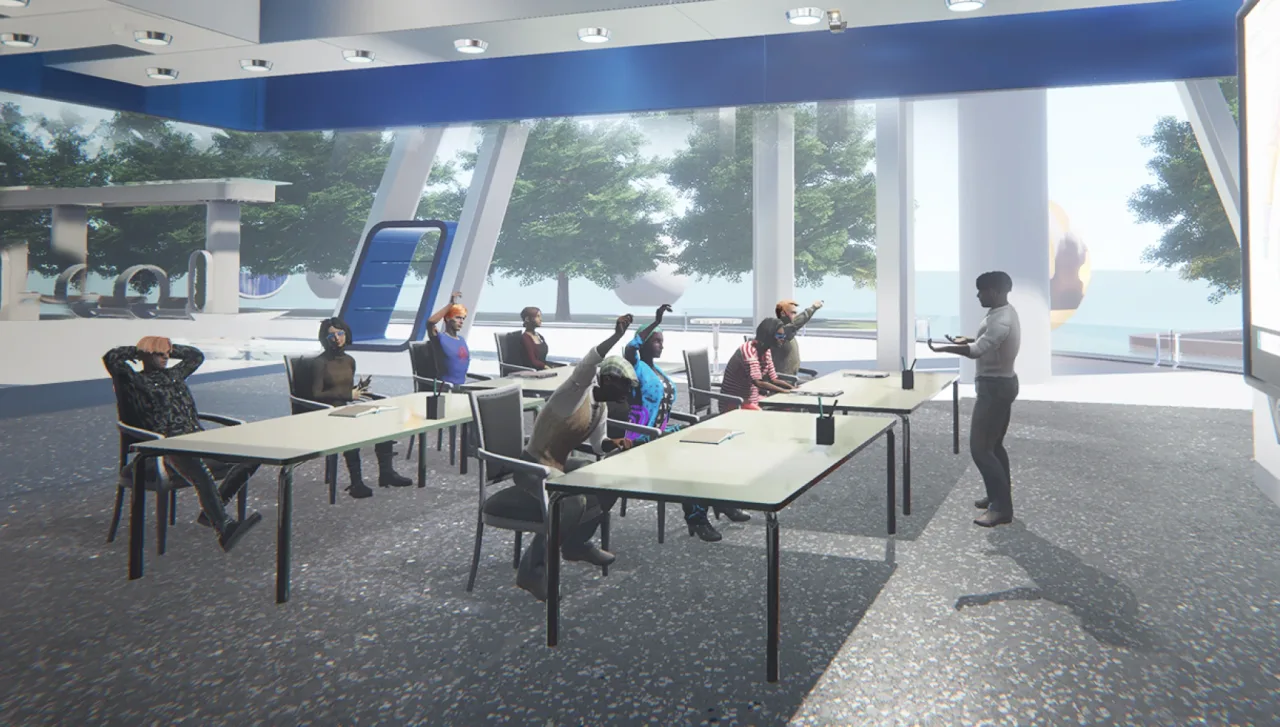
Presenters control who speaks and when.
Switch between media sources during the session, and stream external feeds or livestreamed keynotes into the world over RTMP or HLS.
See how you set up a room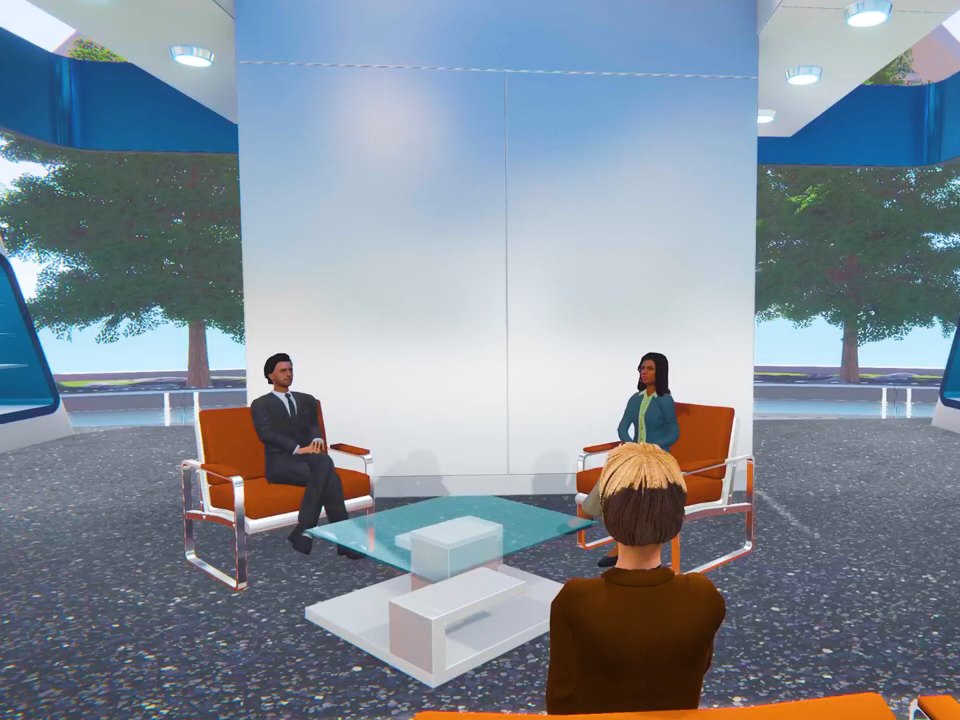
Add discussion zones, breakout areas, and voice-isolated booths to the world.
Set chat, camera sharing and voice separately for each zone.
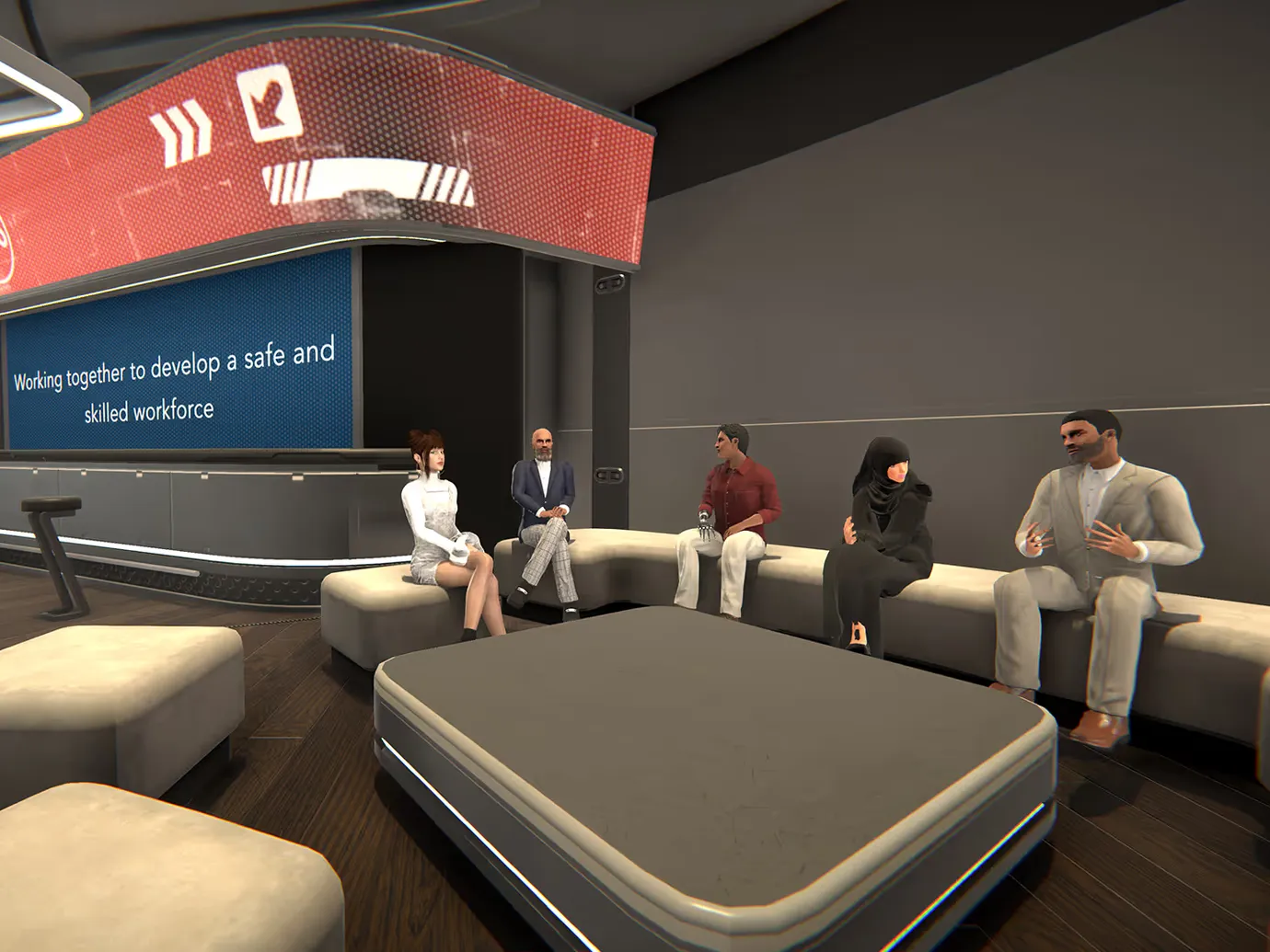
Group project rooms with open voice.
Talk in voice zones, whisper to someone nearby, or follow up with direct messages and in-world mail. With the right permissions, you edit the rooms from the desktop app or the browser, without restarting the world.
See how you edit a live regionAttendees arriving in the event world.
Drag-and-drop games for your event
Place a game in the world the way you place furniture, and attendees can play it straight away. The games come with every world, and need no code.
Findables and clickables
Visitors score by walking up to a hidden spot, or by clicking an object you have marked.
Trivia
A quizmaster picks a topic, difficulty and time limit, and anyone in the region can answer. Harder questions score more.
Sightseeing counters
Count the breakout areas and voice zones each visitor reaches, to draw people round the whole venue.
Photo booths
A spot where attendees take snapshots of their avatars.
Taskboards and leaderboards
A taskboard ticks off each activity a player completes. A leaderboard shows the ten highest scores, and each player’s own.
Rewards
Set a points total that unlocks a reward, or give an item, one carrying your brand for example, to each player who finishes a quest.
Reactives
Objects that animate when an avatar comes near: a cue during a session, a surprise in a social area, or a marker that leads people along a route.
Read how to use Reactives
Run several games at once in one region, and mix findables, clickables, trivia and counters in any of them.
Players can take part in teams or on their own. Use the games for icebreakers, team problem-solving, obstacle courses or missions.
With editing rights for the region, open the Region Editor in the world, drag a game object out of your inventory, and set its points, look and detection radius (how near a player must come) in a visual panel. Changes show at once, so you test as you build, with nothing to redeploy.
Read how to set up gamesModerate a large session
Moderators run it from inside the world, with no third-party tools.
Example setups
Global mute
Instructor voice only
Large-scale onboarding sessions
Broadcast only
Exam zones
No chat or voice
Mute individuals or entire zones, move users to different regions, or send an announcement that reaches every user in the world at once.
Admins choose which tools are on, per world or per region: text chat, direct messages, email, and voice.
Each region supports 500+ concurrent users.
Read next

Case study · Environment
EcoPeace Middle East
EcoPeace rebuilt the Jordan River as a virtual world after conflict closed off the real one.
Read the EcoPeace case study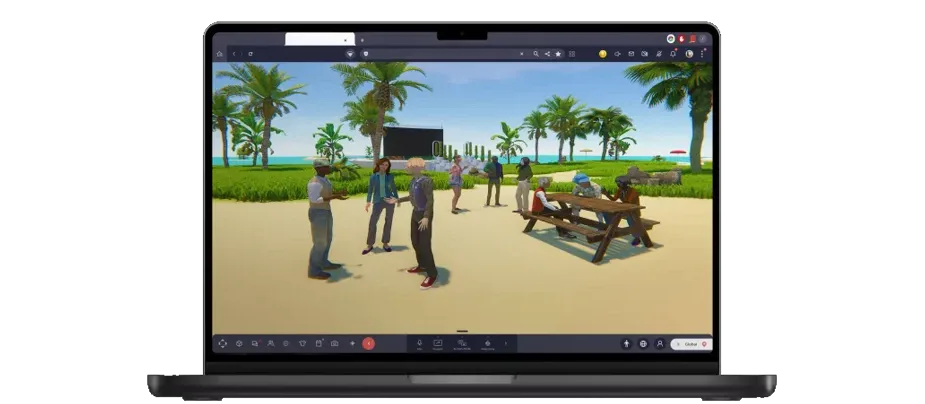
Platform
Deployment
Desktop, browser, phone, Quest, and Pico.
See how people join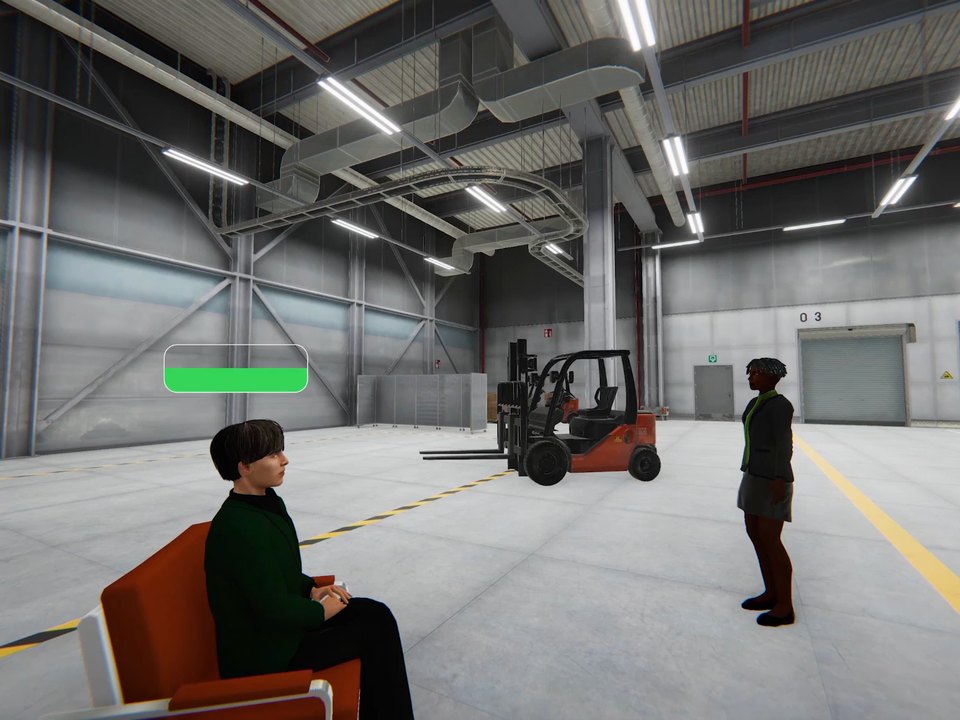
Platform
Scene-aware agents
AI agents fill an empty seat, play the customer and watch the run, so your trainers can coach.
Explore scene-aware agents