



Track every learner’s progress and completion
Build courses in the Dashboard, run them live or on demand, and publish each learner’s progress and completion as xAPI statements.
What gets recorded
- ProgressTrack each learner or team against key objectives across your syllabus
- CompletionReport on active learners, completions and scores
- Live or on demandSet up standard dashboards and reports or observe progress live
- Activities you buildSDK interactions can track completions, unlock modules, or award certifications
Build and run the course in the Dashboard
Create courses, quizzes and training modules in the web Dashboard, with no coding. Every course file is kept, and updated, in one place.
Quizzes run in the LMS, and each learner’s results are recorded as xAPI statements. To make a course a game, add taskboards, points and a leaderboard in the world.
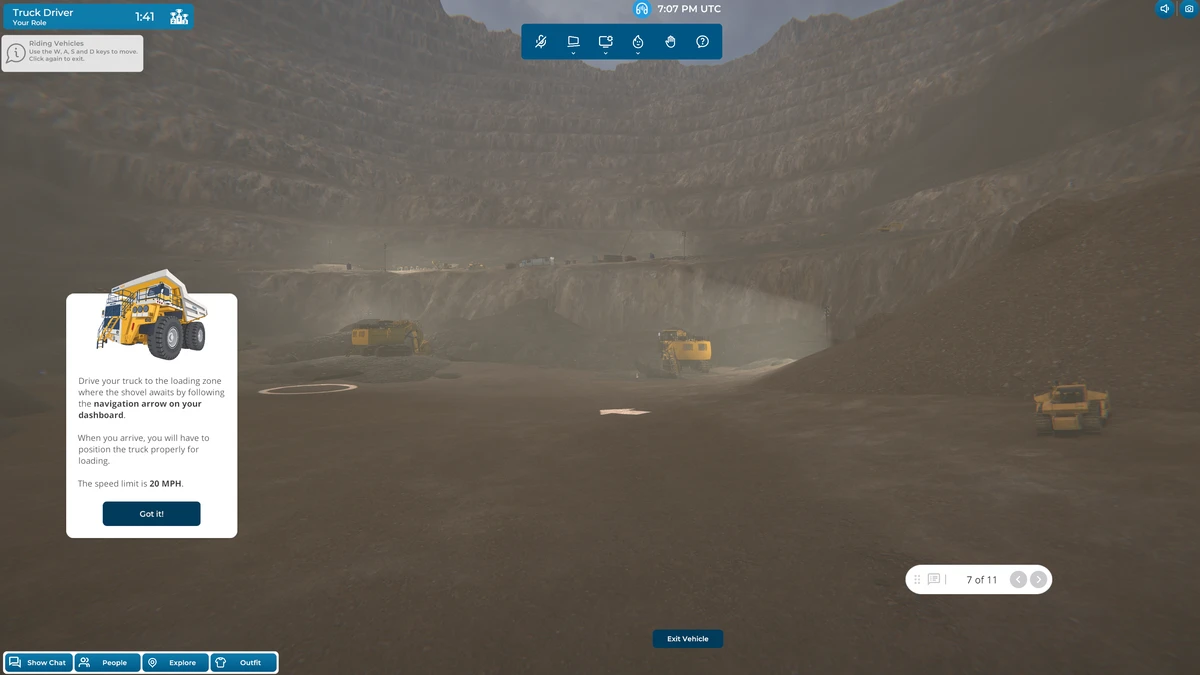
Courses
Build a course from waivers, quizzes and syllabuses, for one class or a whole programme, and add scene-aware agents, no-code games or your own interactive activities.
Read the course guideSyllabuses
Set activities in order, with on-screen annotations, automated steps and progress tracking.
Read the syllabus guideInstalling the LMS in a region
Install it in any region of your world, and script automated training scenarios in Lua.
Read the set-up guideRunning a session
Run a course instructor-led or self-paced, live in the world or on demand. Instructors post and review course materials, and guide learners with the built-in communication and collaboration tools.
Read the instructor orientationWhat learners see
Learners need only a web browser and an internet connection, sign in through SAML single sign-on, and find their quizzes, waivers and syllabuses in the training widget.
Read the learners’ guide
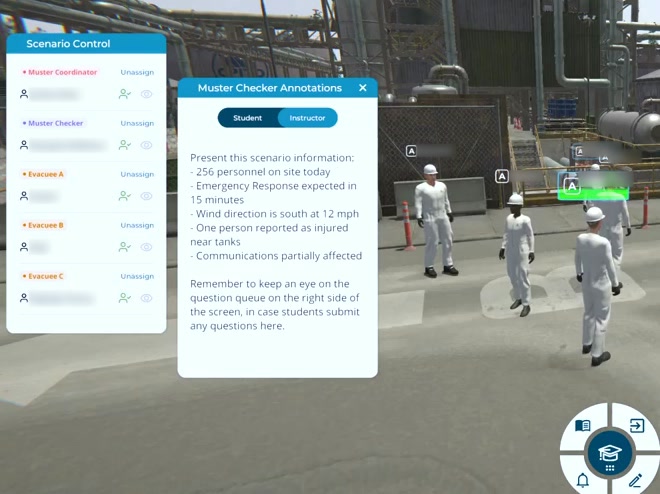
One syllabus ran the whole OPITO scenario
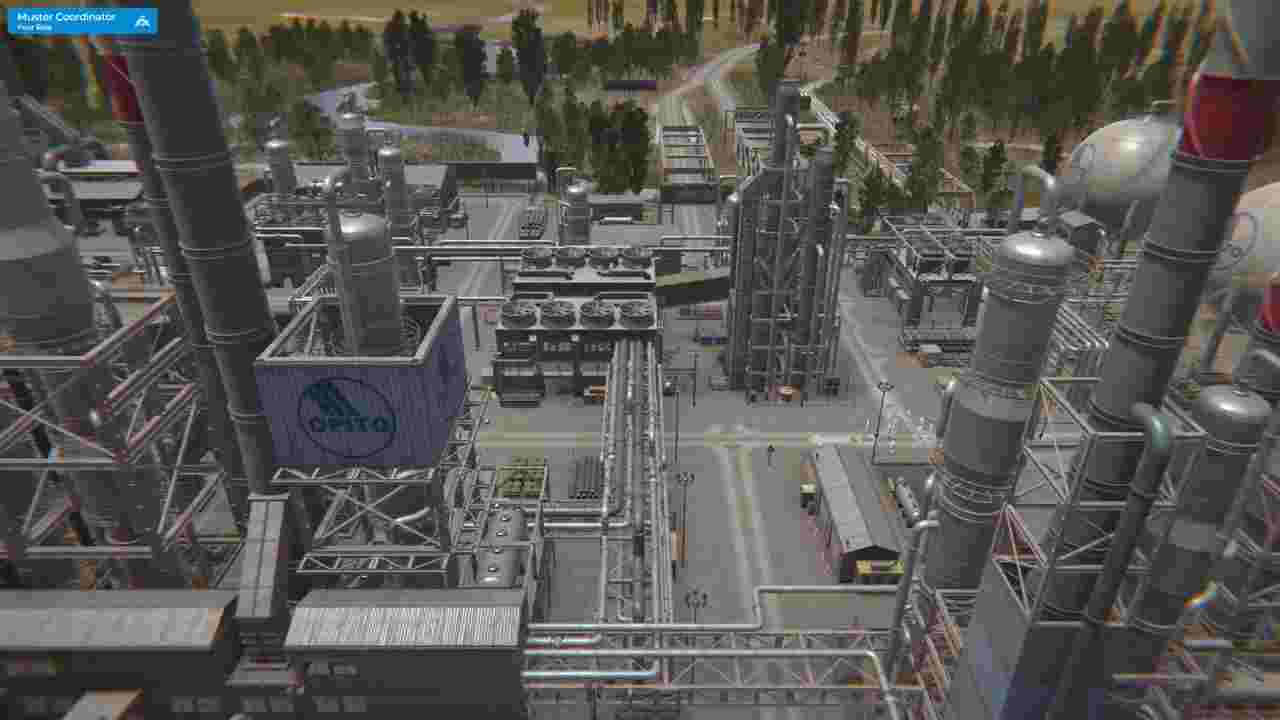
It ran inside the Sinewave Campus LMS, on a custom syllabus.
- Built for
- OPITO’s Global Conference
- Control
- Instructor-led from start to finish
- Roles
- Assigned in real time
How the syllabus ran the session
Every step in order
The syllabus held the scenario’s state and moved it through each step.
One scored role
The Muster Checker was scored; the others took part as evacuees or observers.
A closing quiz
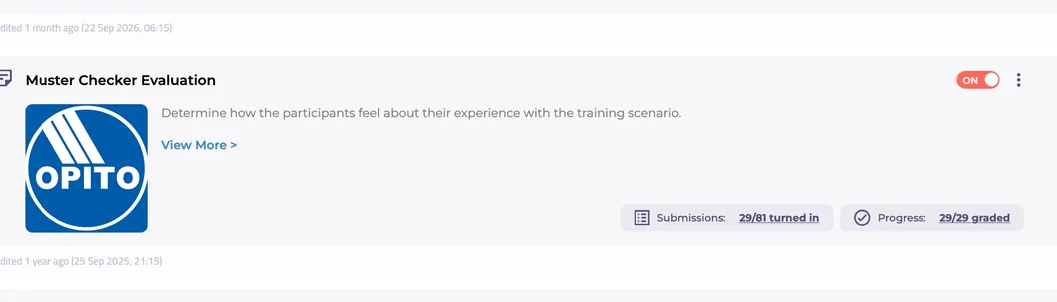
The session ended with a quiz and a feedback step.

Where teams use it
Training in the world saves travel and facility costs, and every group gets the same course.
Hazardous sites
Rehearse safety drills, equipment handling, emergency response and high-risk operations, with no one at risk.
Vocational and technical skills
Guide learners through practical tasks with on-screen annotations, quizzes and reference material.
Teams on different sites
Run live sessions for people who never share a site, with tools to work together in the world.
Compliance and certification
Manage the waivers and assessments a regulated course needs.