How Users Connect to Your Sinewave Campus World
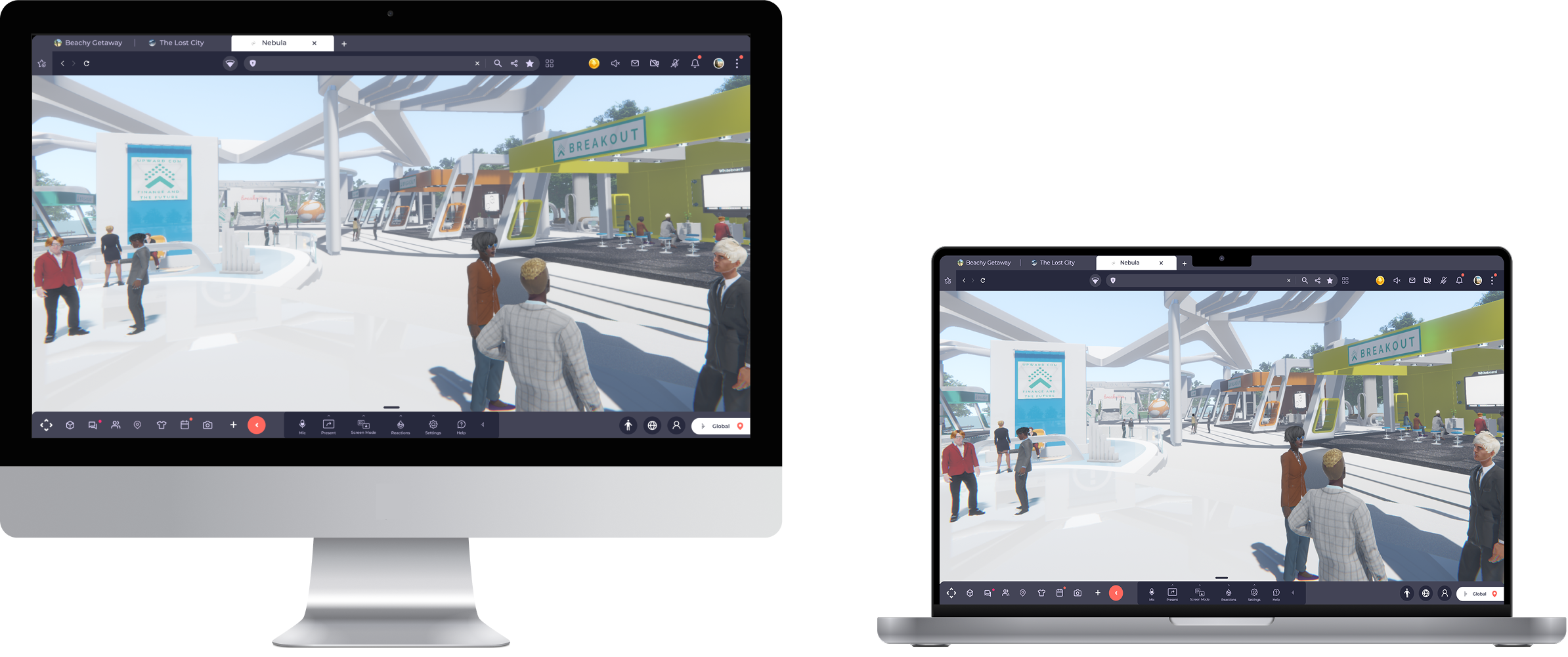
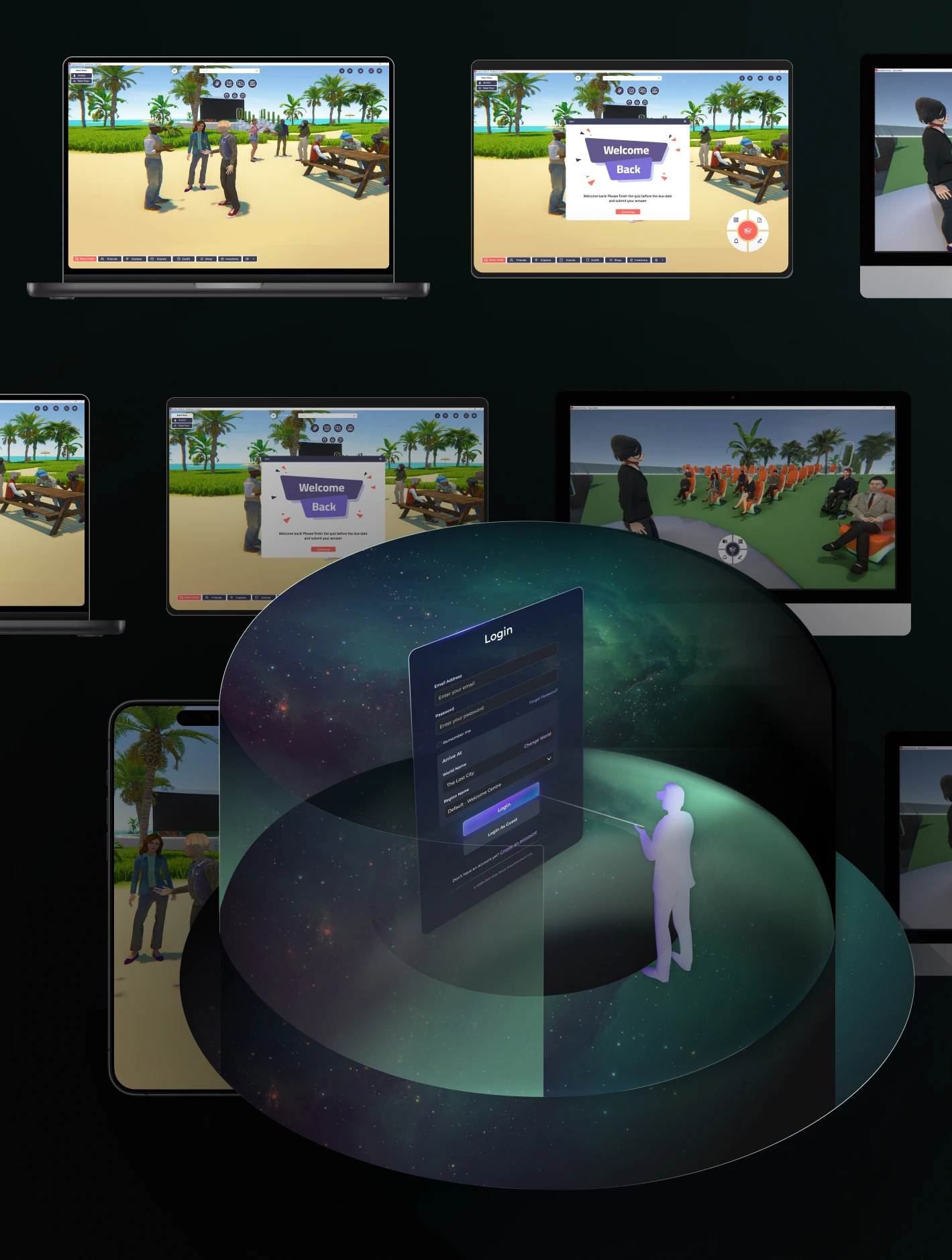
Sinewave Campus supports multiple access methods designed to fit your users’ technical capabilities and your organisation’s resources. Users may opt to join via robust desktop application or browser-based World Streaming, making virtual collaboration inclusive regardless of device.
Secure and Scalable Deployment Options
Hosted on secure shared infrastructure, every Sinewave Campus world has features designed to support private isolated deployments, providing a cost-effective, segmented scalable solution.

Dedicated isolated instances for organisations with stringent security and compliance needs. Your Sinewave Campus world on exclusive servers and domains, guaranteeing full data separation and network isolation. Sinewave Campus also supports remote deployment and deployments on your organisation's infrastructure.
Access Sinewave Campus Using Your Preferred Method

Desktop Client (Windows/macOS)
High-performance dedicated application requiring 3D-capable hardware. Provides the most cost-effective way to access the platform.

Browser
Cloud servers render Sinewave Campus and stream it as an interactive video to browsers, removing hardware barriers. Perfect for enabling wider accessibility.

VR
Supports Quest and Pico headsets, enabling full immersion and spatial interaction.

Mobile Browser
Phones join in the browser, with no app to install.

Enterprise-Grade Security with ISO27001 Certification

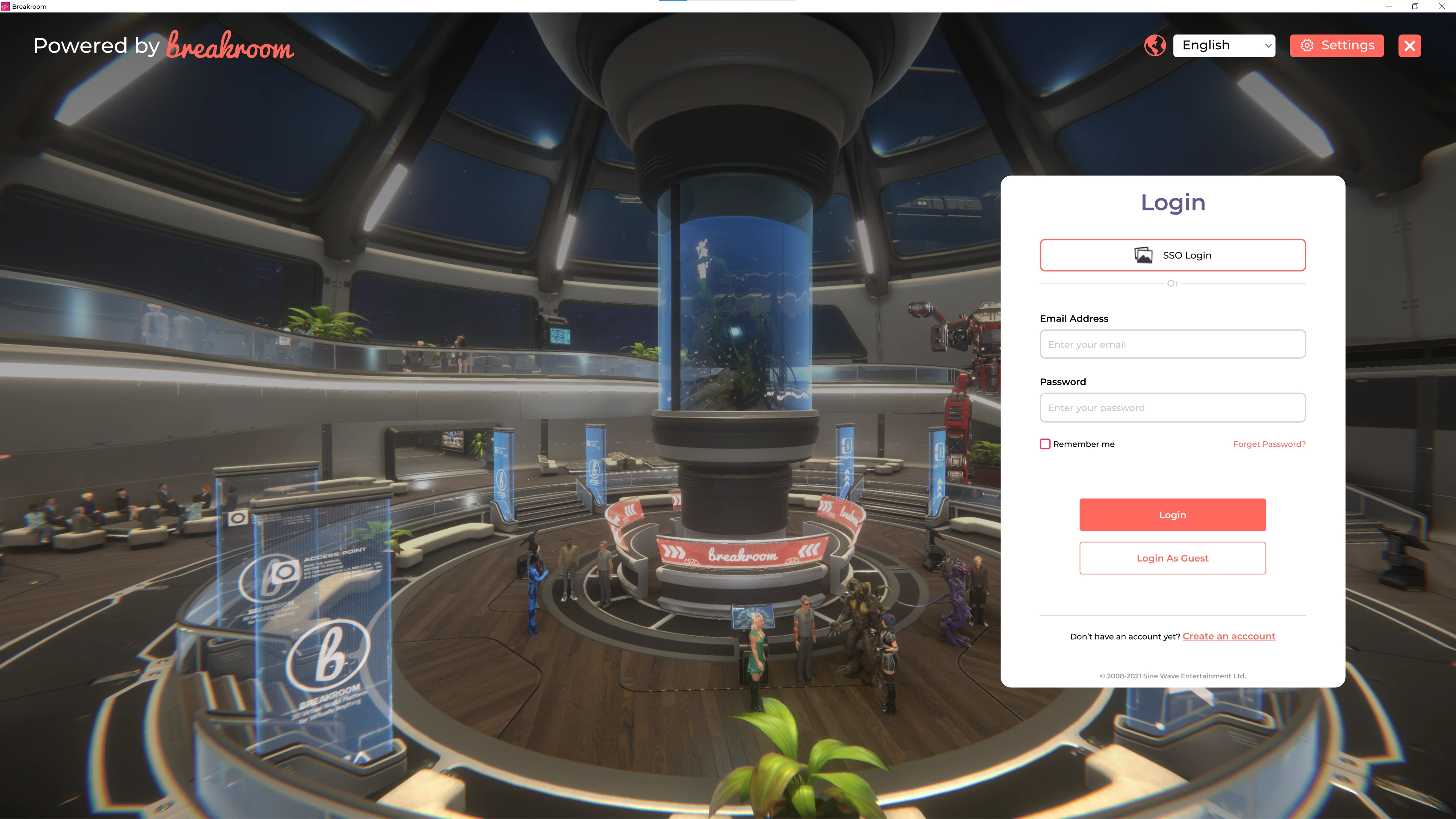
Secure and Seamless Access with SSO and SAML2
Helpful Links and Resources

Certificate No:365702021