



Audio streams
On this pageOverview
Overview

The Audio stream button (highlighted above) allows Moderators to enter a known audio stream address. This stream will then be played in real time throughout the Region.
Enabling an audio stream
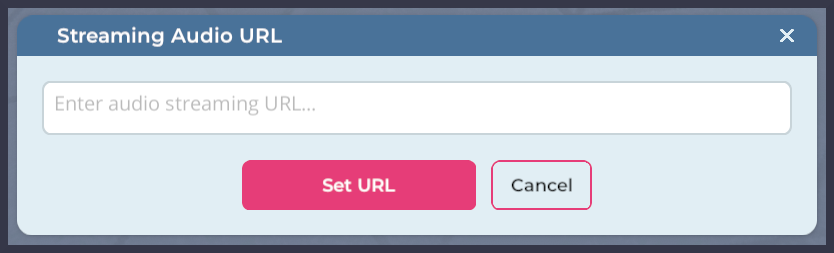
To enter an audio stream address using this tool, follow the steps below.
- Navigate your avatar to the Region you want to edit.
- Click the Moderator tools/Key button located on the right side of the screen.
- Click the Audio stream button.
- A pop-up will appear. Paste your stream address into the provided field, and click Set URL.

Users can now toggle the audio stream by clicking the Radio button located in the Settings toolbar. Within the Settings window, users can adjust the music volume independently of the other types of audio that might play in-world.