



Add-on seats
Overview
Sinewave Campus's add-on seating sets consist of two major types: conference system seats and presenter seats. Conference system seats are designed to create or expand general seating capacity within breakout areas and custom voice zones. Meanwhile, presenter seats are designed to host speakers in Presenter and Audience voice zones.
Details about each add-on seating object can be found below. Please note that these furniture items are built with crowds in mind. You can hide individual chairs within each linked set if you don't need all of them.
Add-on conference system seats
For more information about adding furniture items to custom voice zones or setting up presenter seats, please see our Running Your Event section.
Sinewave Campus Add-on Round Table
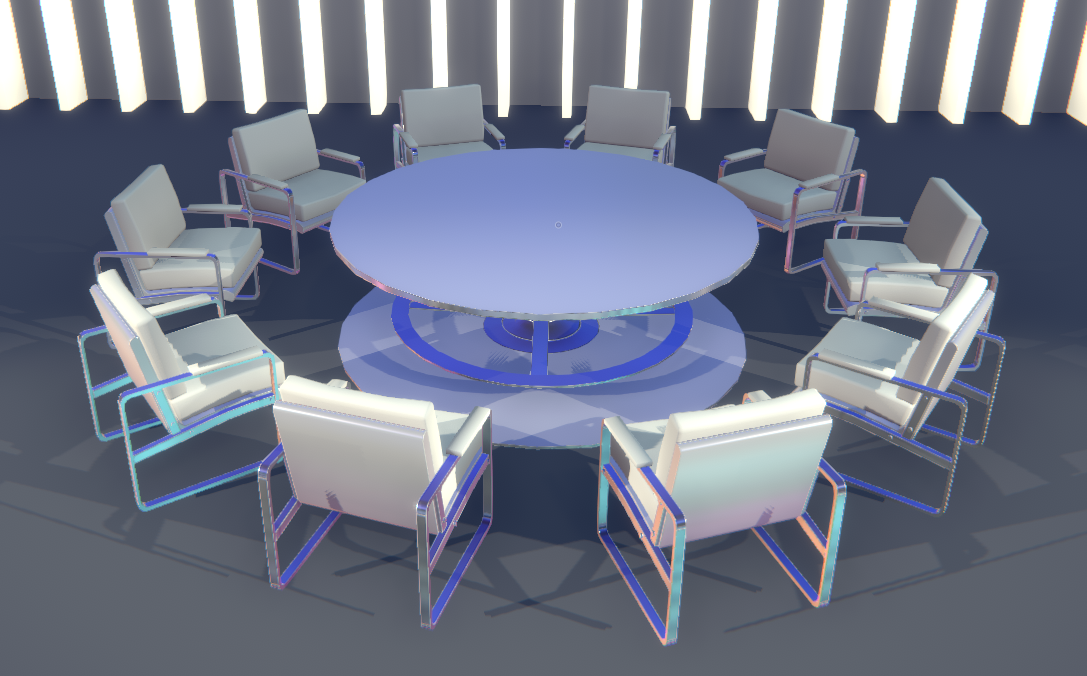
Inventory icon: 
Key features: The Sinewave Campus Add-on Round Table object includes 10 seats situated around a center conference table.
Sinewave Campus Add-on Stools
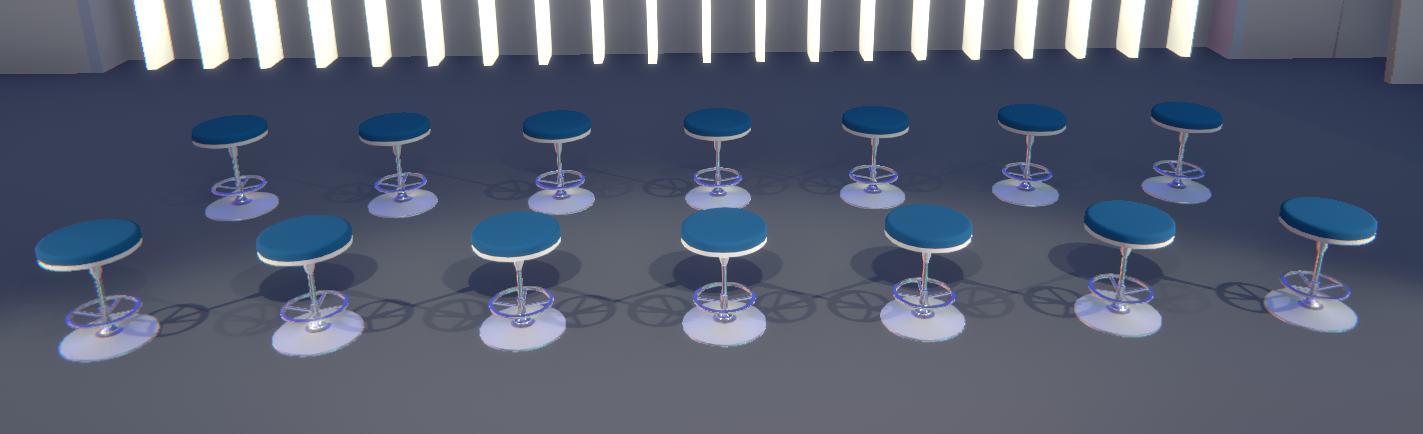
Inventory icon: 
Key features: The Sinewave Campus Add-on Stools object features 14 seats in two rows. When users are seated, they will all face the same direction unless the seat orientation is changed using the Region Editor.
Add-on presenter seats
For more information about adding furniture items to custom voice zones or setting up presenter seats, please see our Running Your Event section.
Sinewave Campus Add-on Presenters Standing
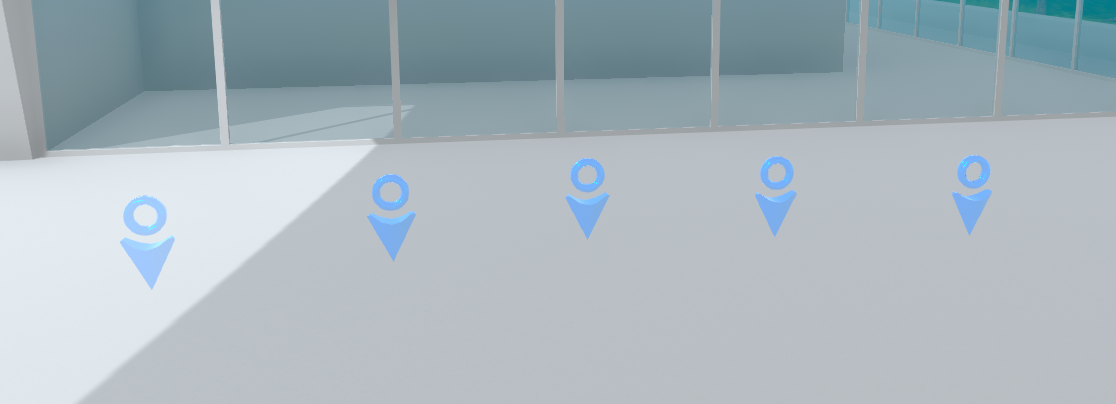
Inventory icon: 
Key features: The Sinewave Campus Add-on Presenters Standing object features nine standing presenter seats—five displayed automatically, and four hidden by default. This means that you can edit the object to add between one and nine presenter seats to a voice zone.
Sinewave Campus Add-on Presenters Chairs
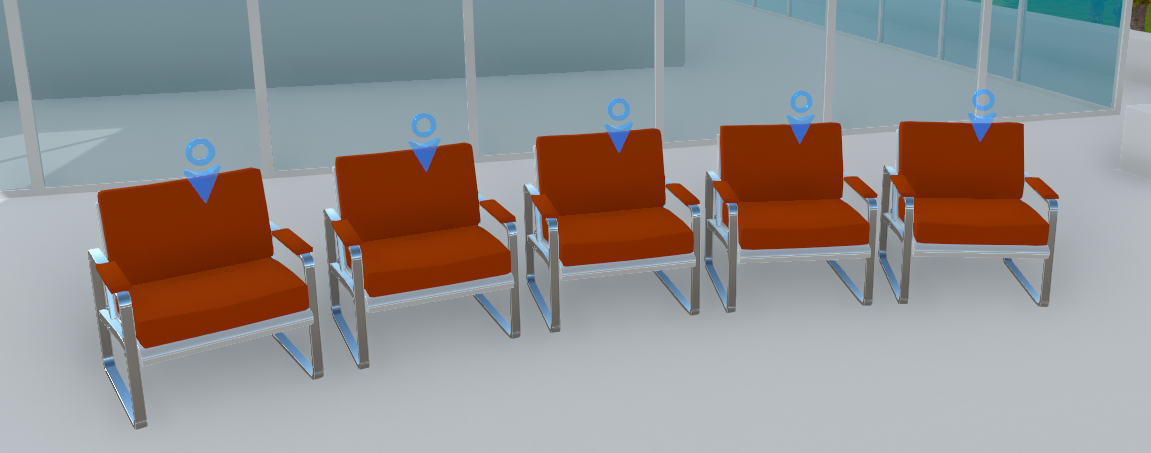
Inventory icon: 
Key features: The Sinewave Campus Add-on Presenters Chairs object features five presenter chairs.
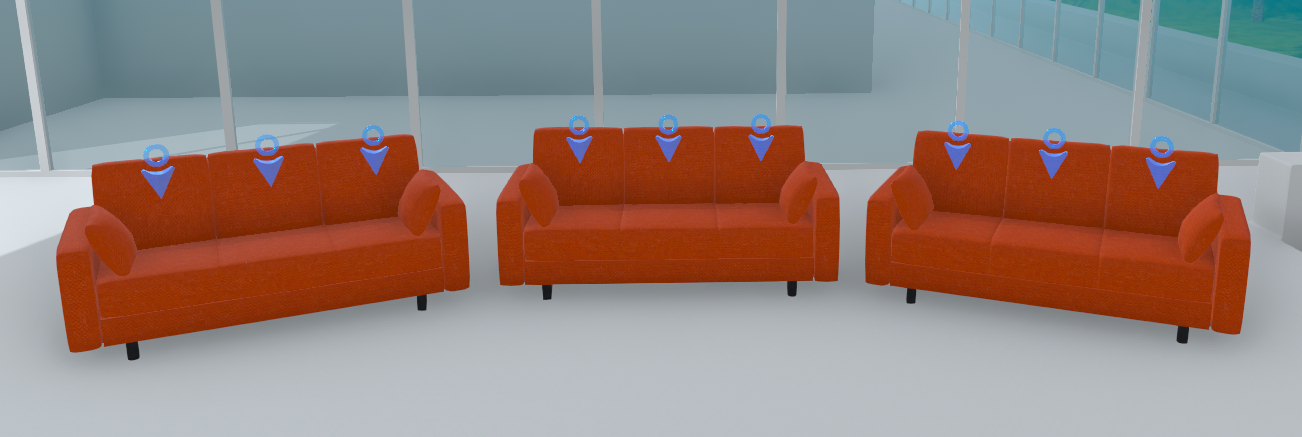
Sinewave Campus Add-on Presenters Sofas
Inventory icon: 
Key features: The Sinewave Campus Add-on Presenters Sofas object features three sofas with three seated presenter seats each. You can edit the object to remove entire sofas or individual presenter seats from each sofa.